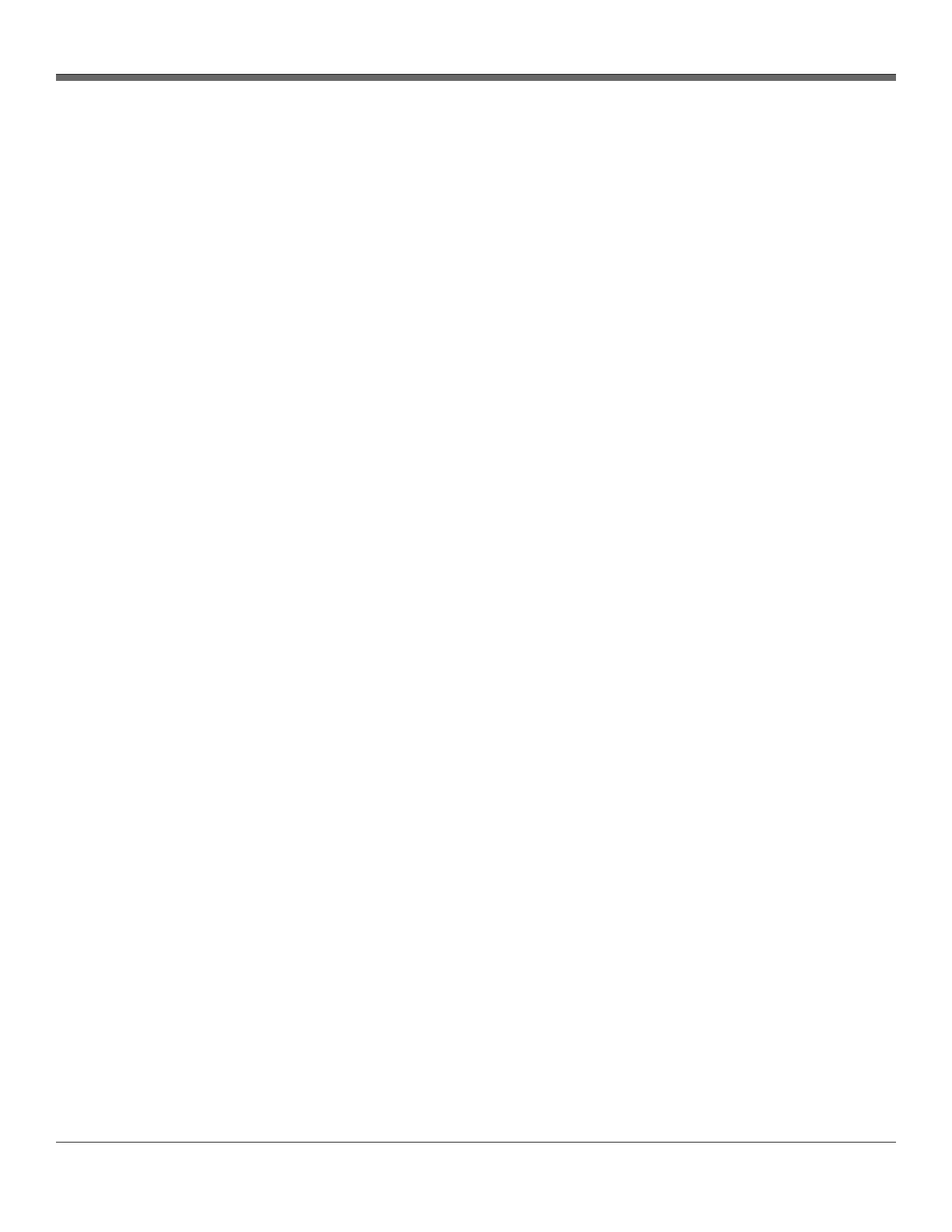
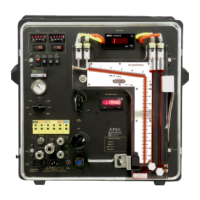
XD-502 Digital Console
Apex Instruments, Inc.
44
3.6.15 Outline of Sampling Test Operations Using the Software cont.
13. During the sample run, the probe is moved from point to point without turning off the pump or
closing the flow valve (except when changing ports).
- The ΔP reading should be monitored and adjustments should be made to the ΔH as necessary
- Record regular time interval recordings. A set of readings should be recorded when the ΔP
changes by more than 20 percent.
14. After the last data point has been sampled and testing is complete, take a final set of readings by
pressing the SAVE Data Point button.
- Turn off the oven and probe heater switches. Remove the probe from the sampling port.
- Cover the nozzle tip as soon as it has cooled down to avoid contamination or loss of sample
- Go to the Main tab and perform the post-test leak check
15. Open the Storage tab and select the current run and press the Export Run button
- Make any additional notes in the window that pops up and select the Go! button
- Select the Done! button
- Select a place to save the data to on the PC
- Open the file in a notepad application to view data in a .CSV format or in a spreadsheet
application to view the data in a formatted layout
16. Perform all additional post-test procedures as indicated in the sampling method


 To Next Page