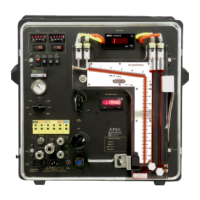
1. Connector in the bottom-right corner of the board is not secure
Resolution - Ensure that all wires are firmly clamped inside of the connector and that the
connector is plugged into the board
2. Console main power switch is not turned on
Resolution - Turn on the main power switch
3. Console is not plugged in to a working power outlet
Resolution - Find an appropriate power source with the correct voltage output and plug the
power cord in to the outlet
4. Main circuit breaker on the front of the console is extended out showing red shank
Resolution - Push in the main circuit breaker. If this is happening repeatedly, turn the console off
immediately, disconnect power and remove from service until the console is
inspected and repaired.
!
CAUTION
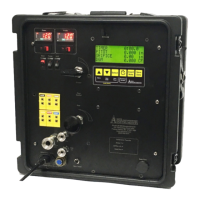
1. Console is not plugged into a working power outlet of the correct voltage
Resolution - Find an appropriate power source with the correct voltage output and plug the
power cord into the outlet
2. Console contrast needs to be adjusted
Resolution - Use the screw-through access hold on the front of the faceplate just under the LCD
screen. Using a Phillips head screwdriver, making small turns counter-clockwise to
decrease contrast or clockwise to increase contrast.
5.0 Troubleshooting
5.1 LCD Screen
5.1.1 No power to LCD screen
5.1.2 Screen contrast too dim or bright, cannot read characters on screen
XD-502 Digital Console
Apex Instruments, Inc.
49


 To Next Page