50
Refer to the paragraphs below for details on your particular
operating system.
* If you select ‘Charge only’, your device will just charge its
batteries via the USB cable. You can use it as normal. At any
time, you will be able to enable the USB connection by selecting
the Enable USB menu item in the Home Screen.
WINDOWS
®
XP & WMP10 OR HIGHER
(WINDOWS MEDIA DEVICE MODE)
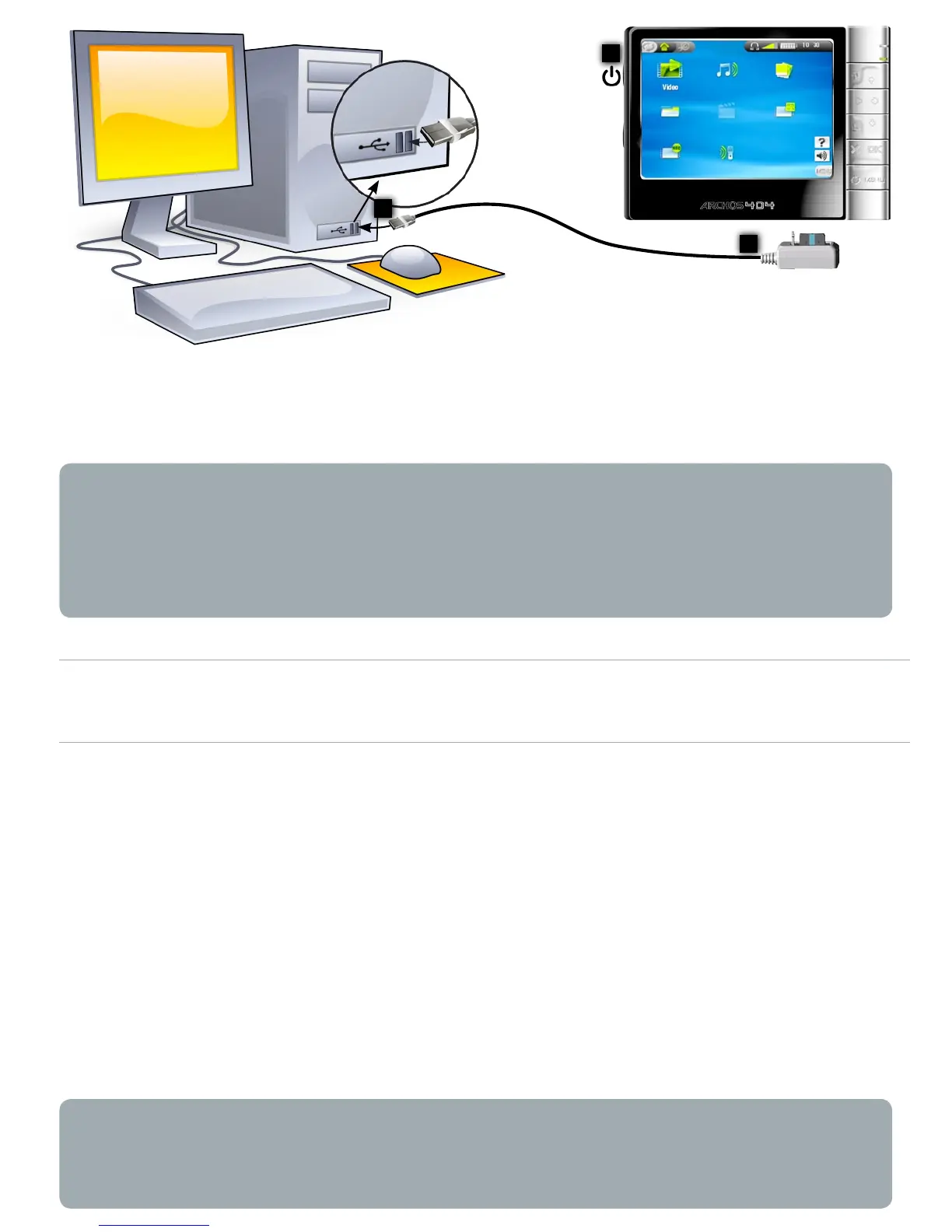
Follow the previous steps to connect the ARCHOS
™
device,
and select ‘Windows Media Device’ as the connection mode.
The ARCHOS
™
device will appear in ‘My Computer’.
You can now put your own les onto the ARCHOS
™
:
synchronize your music, videos or photos to the ARCHOS
™
using Windows Media
®
Player 10.
copy your media les directly via Windows
®
Explorer into
the
Media
, then
Music
,
Video
or
Pictures
folder. Other types
of les must go into the
Data
folder.
If your computer asks for a driver or an installation CD when
you connect your device, then you must use the PC Hard Drive
mode.
•
•
•
-
-
2
USB port
3
1



 To Next Page