51
WINDOWS
®
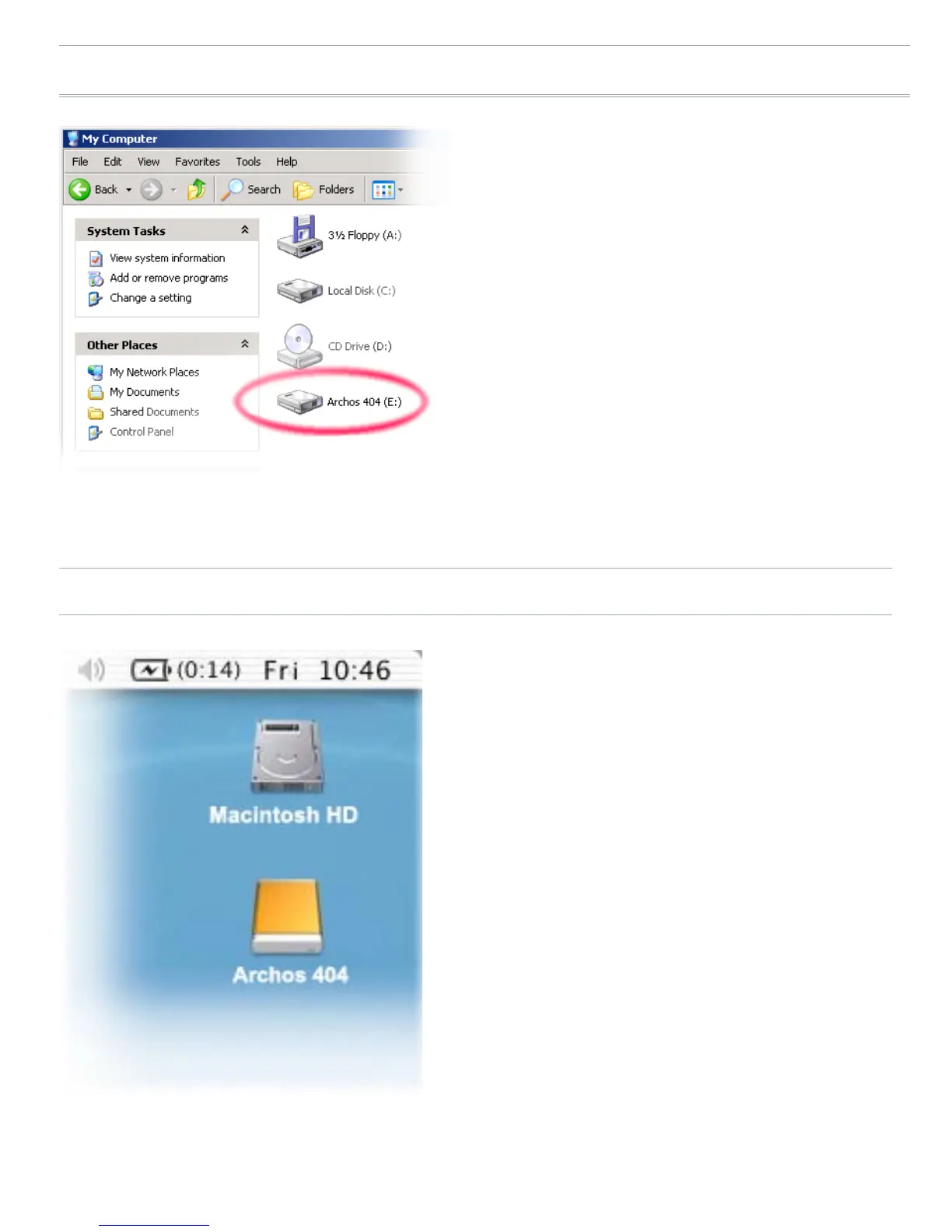
ME, 2000 AND XP (PC HARD DRIVE MODE ONLY)
Follow the previous steps to
connect the ARCHOS
™
device,
and select ‘PC Hard Drive’ as
the connection mode.
The ARCHOS
™
will be
recognized as a mass storage
device (Hard Drive) and will
appear in ‘My Computer’.
You can now use the
ARCHOS
™
like any other
external hard drive.
MAC
®
OS X (PC HARD DRIVE MODE ONLY)
Your OS X version must have
Mass Storage device support.
Follow the previous steps to
connect the ARCHOS
™
device,
and select ‘PC Hard Drive’ as the
connection mode.
The ARCHOS
™
will be
automatically recognized as
a mass storage device (Hard
Drive) and mounted on the
desktop.
You can now use the ARCHOS
™
like any other external hard
drive.
•
•
•
•
•
•



 To Next Page