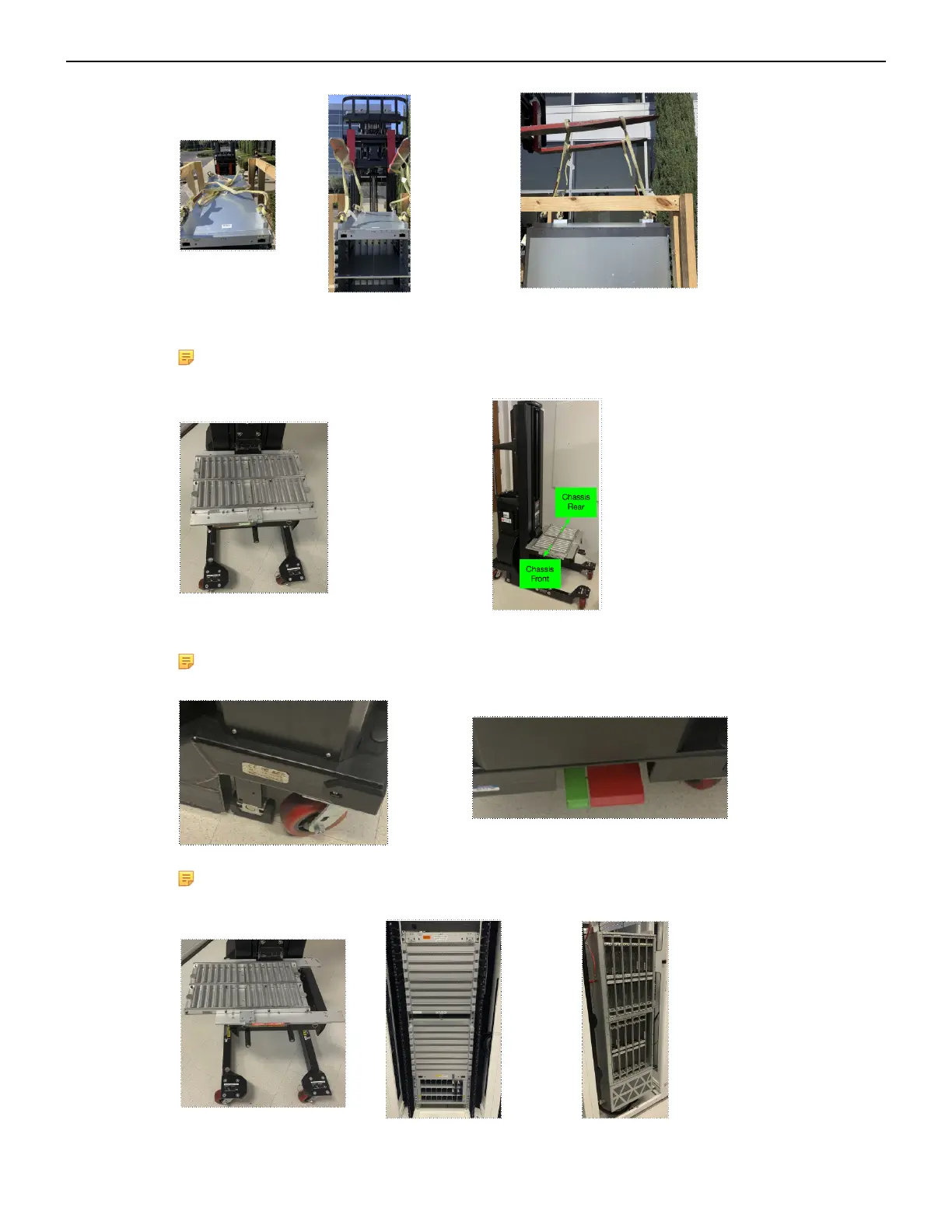
4. Place the chassis on the transport lift (Server Lift SL-1000X® Super-Duty Lift) with the lift platen in
the neutral position and the chassis aligned for moving into the rack.
Note: Populate the chassis with line-cards and fabric modules only after insertion into the
rack.
5. Align and move the chassis into the rack using the translatable platen.
Note: Use the built-in, foot-pedal actuated lock to secure lift while sliding the chassis into
rack.
Note: Before moving the chassis into the rack, you must attach the cradle to the rack
(DCS-7804, DCS-7808, DCS-7812, and DCS-7816 Rack Mounting).
12



 To Next Page