A R R I S
Getting Battery Ethernet
Safety Started Installation Installation Configuration Usage Troubleshooting Glossary
About this Manual
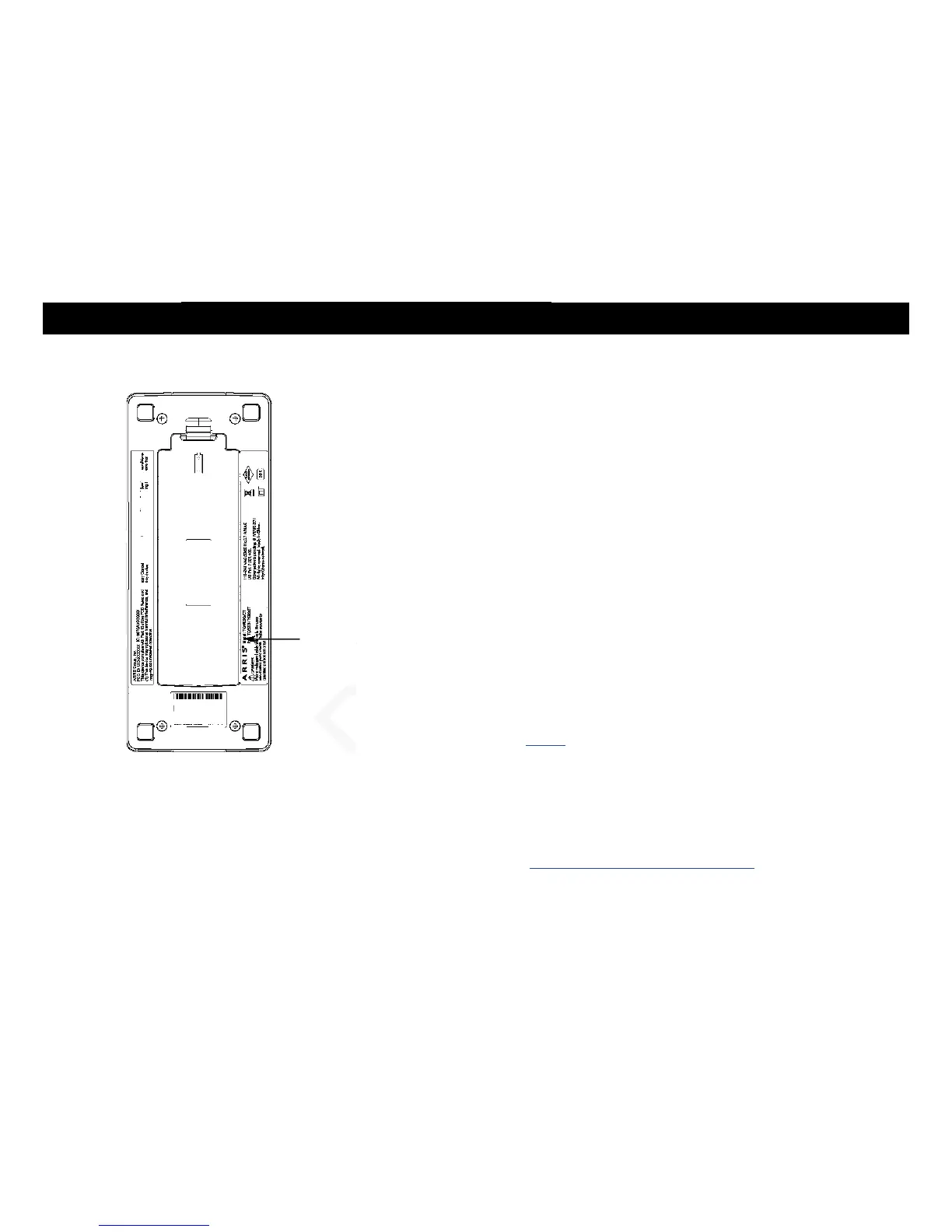
This manual covers the Xfinity TG1682 Telephony Gateway. The model number is
on the label affixed to the bottom of the Telephony Gateway. See the image at the
left.
What About Security?
Having a high-speed, always-on connection to the Internet requires a certain amount
of responsibility to other Internet users—including the need to maintain a reasonably
secure system. While no system is 100% secure, you can use the following tips to
enhance your system's security:
Keep your operating system updated with the latest security patches. Run the
system update utility at least weekly.
Keep your email program updated with the latest security patches. In addition,
avoid opening email containing attachments, or opening files sent through
chat rooms, whenever possible.
Install a virus checker and keep it updated.
Avoid providing web or file-sharing services over your Telephony Gateway.
Besides certain vulnerability problems, most cable companies prohibit running
servers on consumer-level accounts and may suspend your account for
violating your terms of service.
Use the cable company's mail servers for sending email.
Avoid using proxy software unless you are certain that it is not open for
abuse by other Internet users (some are shipped open by default). Crimi-
nals can take advantage of open proxies to hide their identity when break-
ing into other computers or sending spam. If you have an open proxy, your
cable company may suspend your account to protect the rest of the net-
work.
If you use the wireless LAN, make sure you enable wireless security on the
Telephony Gateway (for the same reasons that you should run only secured
proxies). See Configuring Your Wireless Connection.















 To Next Page