Xfinity TG1682 Telephony Gateway User's Guide 28
Ad j u s t y o ur com p u t e r s set t i ng s
System and Security Review
your computer's status Rack
up your computer Find and
fix problems
Network and Tyternet
View network state nd tasks
Choose homegroup and sharing
options
Hardware and Sound
View devices and printers
Add a device
Conned to a projector
Adjust commonly used mobility
settings
Programs Uninstall
a program
Get programs
View by, Category •
User Accounts Change
account type
Appearance and
Personalization Change
the theme Change
desktop background
Adjust screen resolution
flo
C l oc k, L a n g u a g e , a n d
Re g i o n
Change keyboards or other input
methods
Change display language
Eas e of Ac cess
Let Windows suggest settings
Optimize visual display
Cont. r Network and L.. r It Search antra( /laud
System and Security
Network and Internet
Hardware and Sound
Programs
User Accounts
Appearance and
Personalization
Clock, Language, and Region
Ease of Access
A.7! Network and Sharing Ctnter
View network status and tasks 'U Conned to a
network View network computers and devices Add
a wireless device to the network
'W H o r n e G r o u p
Choose homegroup and sharing options
ftInternet Options l Change your homepage
Manage browser add-ons
Delete browsing history and cookies
I n t e l ® P ROS e t / W i r e le s s T o o l s
A R R I S
Getting Battery Ethernet
Safety Started Installation Installation Configuration Usage Troubleshooting Glossary
TCP/IP Configuration for Windows 7
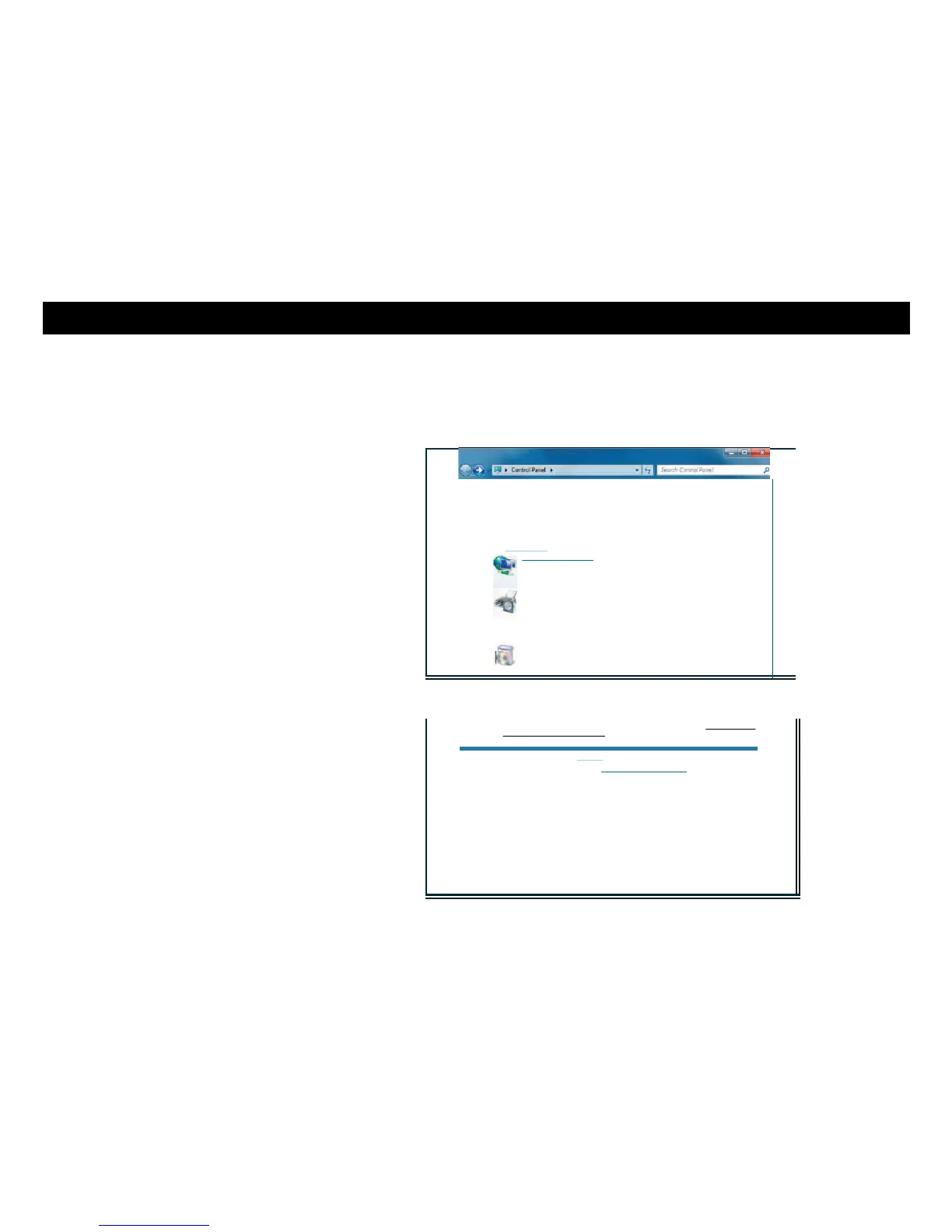
Follow these steps to configure the Ethernet interface on a Windows 7 operating
system.
1 Open the Windows 7 Control Panel.
2 Click Network and Internet.















 To Next Page