Front Panel
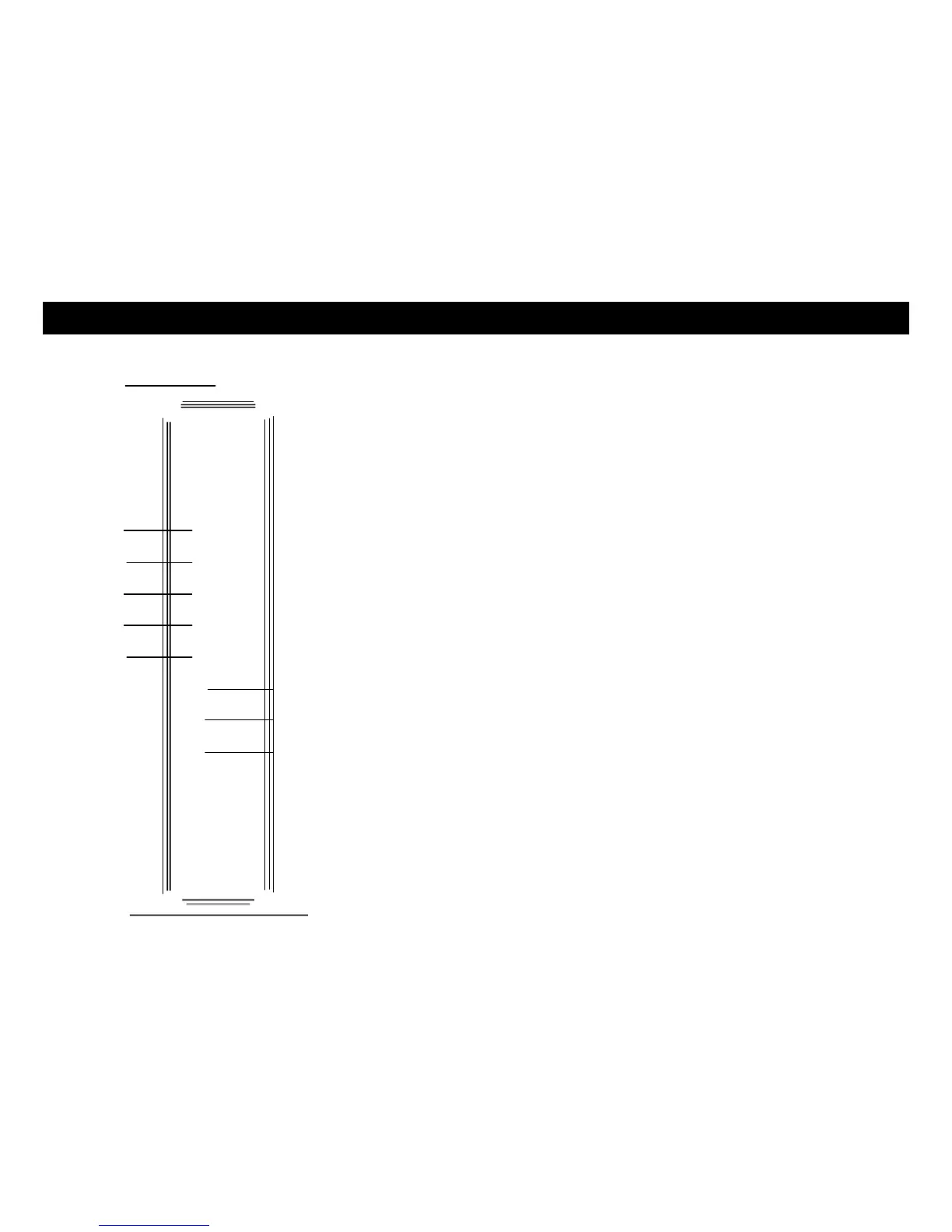
The front of the Telephony Gateway has the following indicators:
A WPS button with indicator light: indicates Wireless Protected Setup (WPS) is active. (Button with light ring is
located on top of unit.)
4inity B DECT button with indicator light: Pressing the button pages all the regis-
tered handsets. Pressing again cancels paging. Pressing and holding the button
for 15 seconds places the unit in registration mode for handset registration.
(Button with light ring is located on top of unit.)
C Power: indicates whether AC power is available to the unit.
D US/DS: indicates upstream and downstream connectivity.
E Online: indicates internet data transmission status.
F 2.4 GHz: indicates the status of the wireless LAN.
G 5 GHz: indicates the sttus of the 5GHz wireless LAN.
H Tel 1: indicates the status of telephone line 1.
I Tel 2: indicates the status of telephone line 2.
3 Battery: indicates the battery status.
ARMS
TG1682
. .. .. .. .. .
. - - ---















 To Next Page