A R R I S
Getting Battery Ethernet
Safety Started Installation Installation Configuration Usage Troubleshooting Glossary
Note: A splitter effectively cuts the signal in half and sends each half to its
two outputs. Using several splitters in a line may deteriorate the quality of
your television, telephone, and/or internet connection.
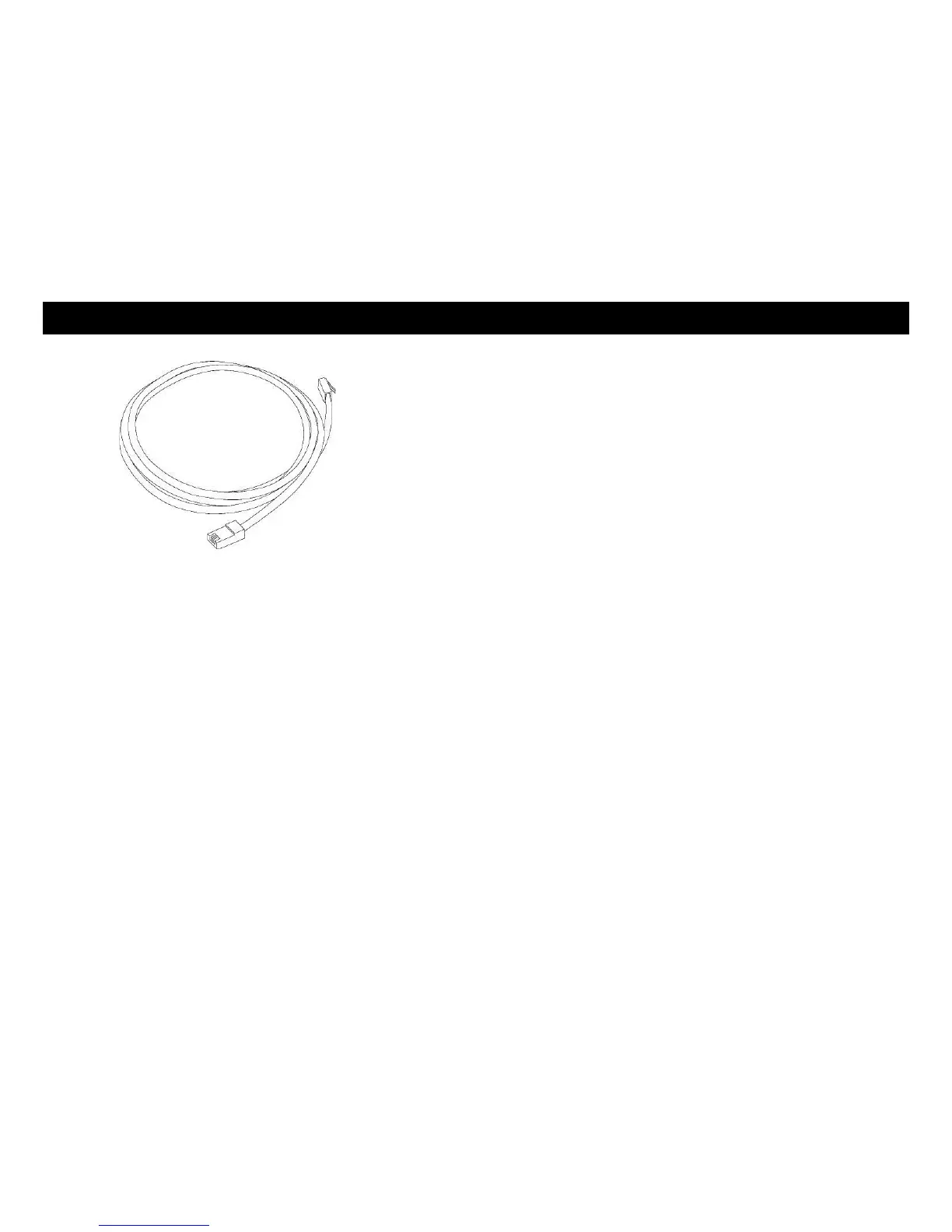
Ethernet Cable(s): as shown in the image to the left, this is a Category 5e
(CAT5e) straight-through cable for connecting computers to the Gateway.
Wall-mount hardware (optional): if you want to wall-mount your Tele-
phony Gateway, you need to obtain two drywall anchors or wood screws.
See the Wall-Mount Template and Instructions for more details.
Information packet: your cable company should furnish you with a packet
containing information about your service and how to set it up. Read this in-
formation carefully. Contact your cable company if you have any questions.
Getting Service
Before trying to use your new Telephony Gateway, contact your local cable
company to establish an Internet account and telephone service. When you call,
have the following information ready:
the Telephony Gateway serial number and cable MAC addresses of the
unit (printed on a sticker on the bottom of the Telephony Gateway)
the model number of the Telephony Gateway
If the Telephony Gateway was provided by your cable company, they already
have the required information.
In addition, you should ask your cable company the following questions:
Do you have any special system requirements or files that I need to down-
load after I am connected?
When can I start using my Telephony Gateway?
Do I need a user ID or password to access the Internet or my e-mail?
Will my phone number(s) change?
What new calling features will I have and how do I use them?















 To Next Page