Xfinity TG1682 Telephony Gateway User's Guide 12
Basic Backup Bat tery (black)
6L'Vttts'iva:d
ar2
'
rrrR
1
0
r
'1
2
igeET1
oN
ie. :rdZInSIM
8 . 4 V D C . 24 0 0 m . . . h
C h ar g i n g C u r r e n t :
15
1
_ va rg e n ni e
L i t h i u m
-
i o n
B a t t e r y M o d ul e
Getting Battery Ethernet
Started Installation Installation Configuration Usage Troubleshooting Glossary
Battery Installation and Removal
The TG1682 Telephony Gateway supports a Lithium-Ion backup battery to provide
backup in the event of a local power loss. The battery backup is not intended to take
the place of AC power.
Note: For safety and regulatory purposes, batteries are shipped outside of the
Telephony Gateway and must be installed.
PS- ARCT00777 01
8.4V 2.2Ab
3N: 26053000045 I.
111111111H
Assembled in Taiwan
E187242
The TG1682 supports the following battery models:
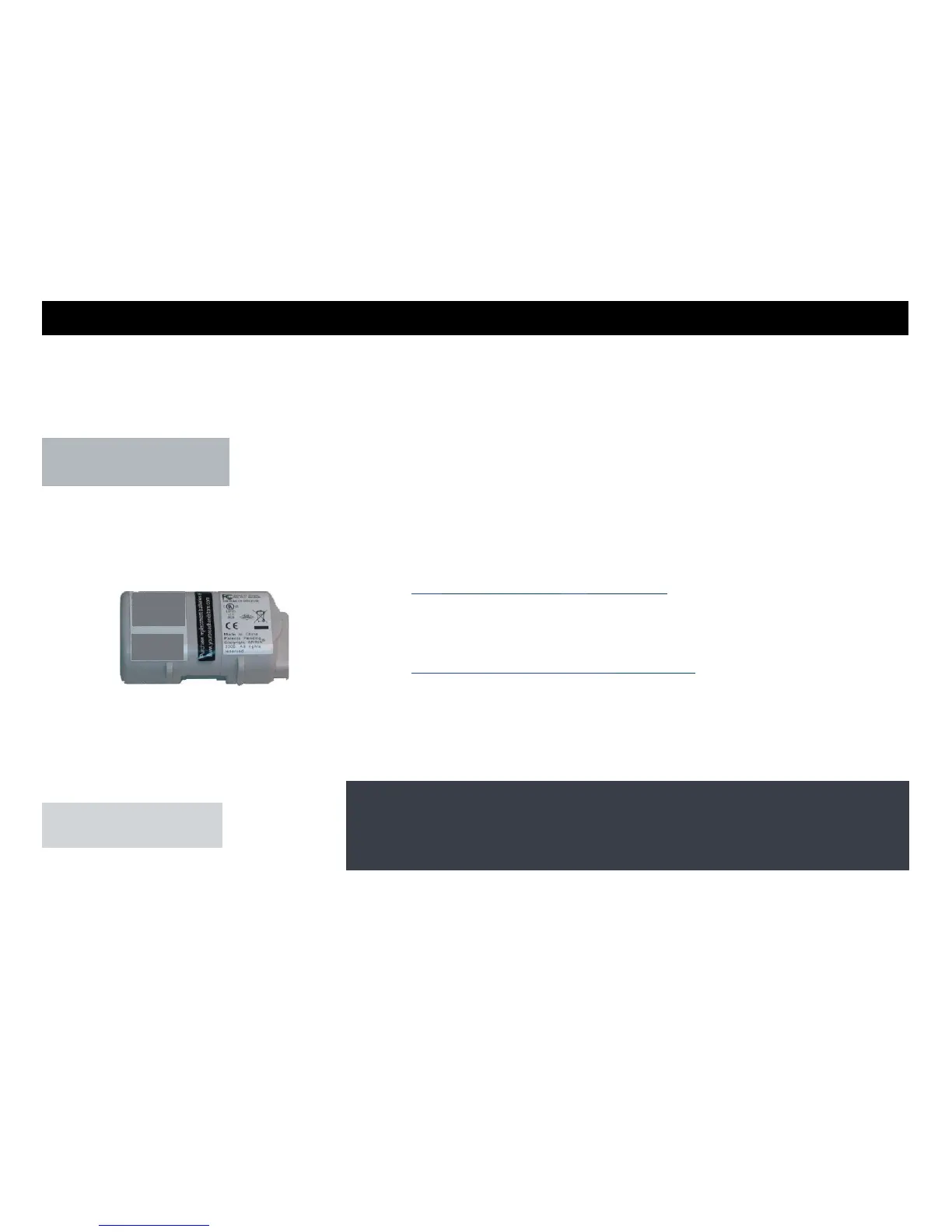
Basic backup battery — provides up to 5 hours (black) or 8 hours (grey) of
backup time, depending on your Telephony Gateway model and usage. It may be light
grey (recommended battery) or black.
Basic Battery Installation and Replacement
Extended backup battery — provides up to 12 hours of backup time, depending
on model and usage. It has a strap between the battery guides.
Extended Battery Installation and Replacement
Your cable company may include a backup battery with your Telephony Gateway.
Basic Backup Battery (grey) You can order
batteries at http://yourbroadbandstore.com/
PN. 4120100777 01 8
45 2Ah
SN 26053000045
itn1111111111111111
Assembled in Taiwan
6187242















 To Next Page