Xfinity TG1682 Telephony Gateway User's Guide 29
V i e w y our b a s i c n e tw o rk i n f o rmatio n and s e t up con n e c t i o ns
Manage wireless networks
Change adapter settings
Change advanced
sharing settings
LP-MARTINEZ ARRISLCOM
(This computer)
View your active networks
Access type. Internet
Connections: Local Are.onnecti.on
C h a n g e y o u
,
r a
to S e t
settings
on or network
dial-up, ad hoc, or VPH connection; or set up a router or
V
.Connect to a netw ork
Connect or reconnect to a wireless, wired, dial-up, or VPN network connection.
4 Choose hornegroup and sharing options
Access files and printers located on other network computers, or change sharing settings.
F
.
1
,
1
Tre• -cot prob
,
C..ao rece ork orcb!ems. or get troubleshooting inforrnation.
Hom e lar o up kitekg
PRO S et/ W ire less Too ls
In t e rn e t O p tion s
Win d ows Fir e wa l l
Network and Internet t Network and Sharing Center
Local Area Connection Status
Connection ________________________________________
IPv4 Connectivity: Internet
IPv6Connedinty: Internet
Media State: Enabled
Duration: 01:27:54
Speed: 1.0 Gbps
'
,
Pro pert ies [ V D isa ble [
Getting Battery Ethernet
Safety Started Installation Installation Configuration Usage Troubleshooting Glossary
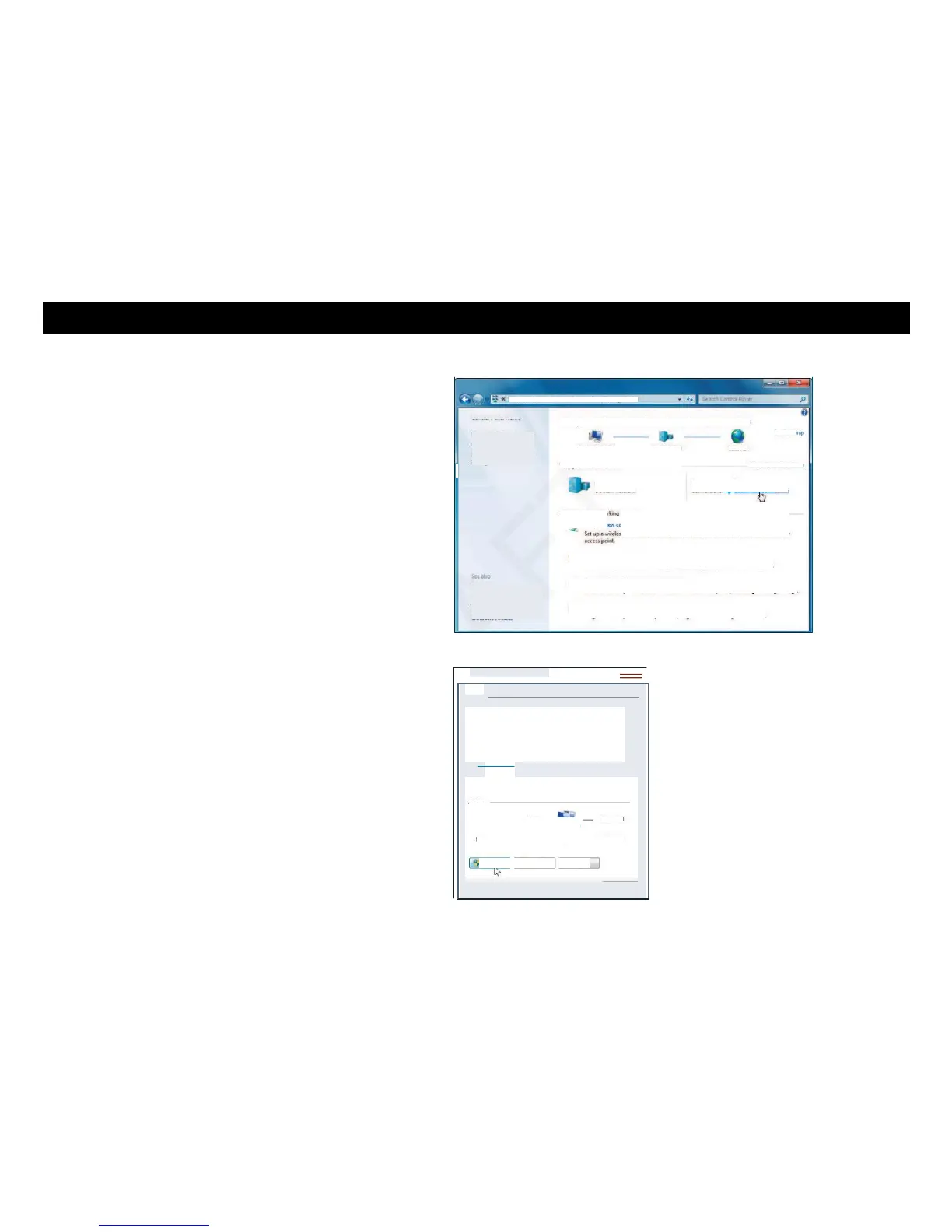
3 Click Network and Sharing Center.
4 Click Local Area Connection to open the Status window.















 To Next Page