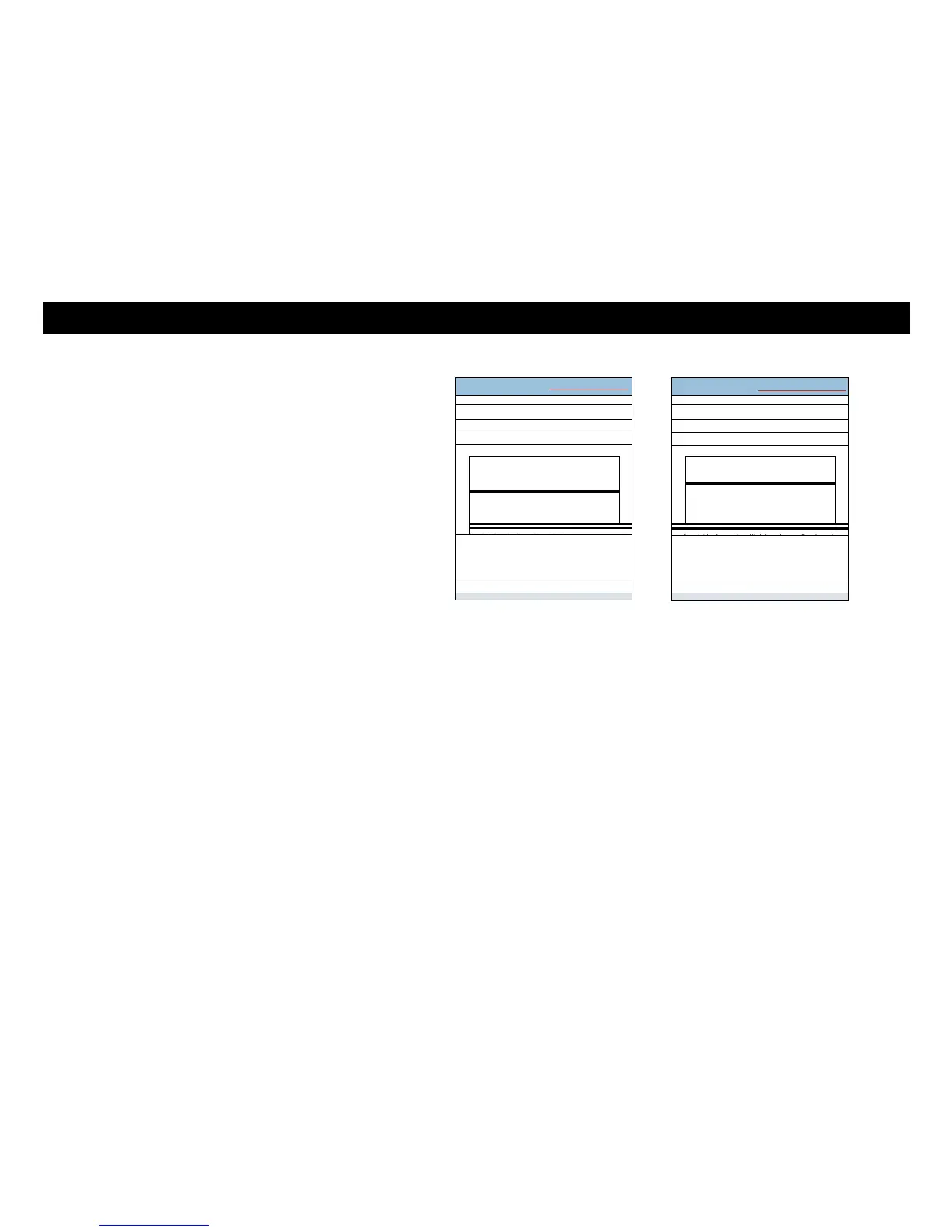
14 Local Area Connection Properties ICI
I I Elroadcom NetSgreme Gigabit Ethernet
This connection usesthe following items.
Li el a, ent for Microsoft Networks
LI Al CmS Padre' Scheduler
Li Al File and Punter Sharing for Microsoft Networks
Li ..,- Internet Protocol Version 6 (TCP/IPv6)
o
-
'
Li -..E. Link-Layer Topology Discovery Mapper I/0 Diver
Li ..,- Link-Layer Topology Discovery Responder
[ Install_..m1 [ Urunstall I L propet
Ti
Description
Transmission Control Protocol/Internet Protocol. the default
wide area network protocol that provides communication
across diverse interconnected networks.
_ Local Area Connection Properties ICI
gElroadcom NeDareme Gigabit Ethernet
This connection uses the following items
Li 1Chent for Microsoft Networks
l XII)oS Packet Scheduler
Li a File and Printer Sharing for Microsoft Networks
El rir Inter
-
let Protocol Version 6 D
-
CP/IPv6.) LI -,-
Internet Protocol Version 4 (TCP/IPv4) Li -,- Link-
Layer Topology Discovery
,
Mapper I/0 Dryer Li rir
Link-Layer Topology Discovery Responder
[ InstaL. ,...1 [ UrinsLall I IL. Properties
4
I
Description
TCP/IP version 6. The latest version of the Internet protocol
that provides communication across diverse interconnected
networld
Xfinity TG1682 Telephony Gateway User's Guide 30
Getting Battery Ethernet
Safety Started Installation Installation Configuration Usage Troubleshooting Glossary
5 Click Properties to open the Properties window.















 To Next Page