Xfinity TG1682 Telephony Gateway User's Guide 31
Sutinet mask:
Default gateway:
Obtain DNS server address automati.11y
in Use the following DNS server addresses:
Preferred DNS server:
Alternate DN5 server:
n Validate settings upon exit
Validate settings upon exit
You can get IPv6 settings assigned autornatimlly if your network support this impability, Otherwise,
you need to ask your network administrator for the appropriate IPv6 settings.
® Obtain an IPv6 address automali.11y
Use the following IPv6 address: _____
IPo6 address: Subnet
prefix length: Default
gateway:
Obtain DN5 server address automat a:11y
® Use the following DNS server addresses:
Internet Protocol Version 4 (TCPAPv4) Properties INV.
General I Alternate Cunfiguraturil
You car get IP settings assigned autornatimlly if your network support
this mpablity. Otherwise, you need to ask your network administrator
for the appropriate IP settings.
a Cbtin an IP address automatimlly
Use the following IP address:
A R R I S
Getting Battery Ethernet
Safety Started Installation Installation Configuration Usage Troubleshooting Glossary
6 Select Internet Protocol Version 4 (TCP/IPv4) and click Properties to
configure TCP/IPv4.
Note: If your cable provider requires TCP/IP version 6, select Internet Pro-
tocol Version 6 (TCP/IPv6) and click Properties to configure TCP/IPv6.
The TCP/IP properties window for the version you selected displays.
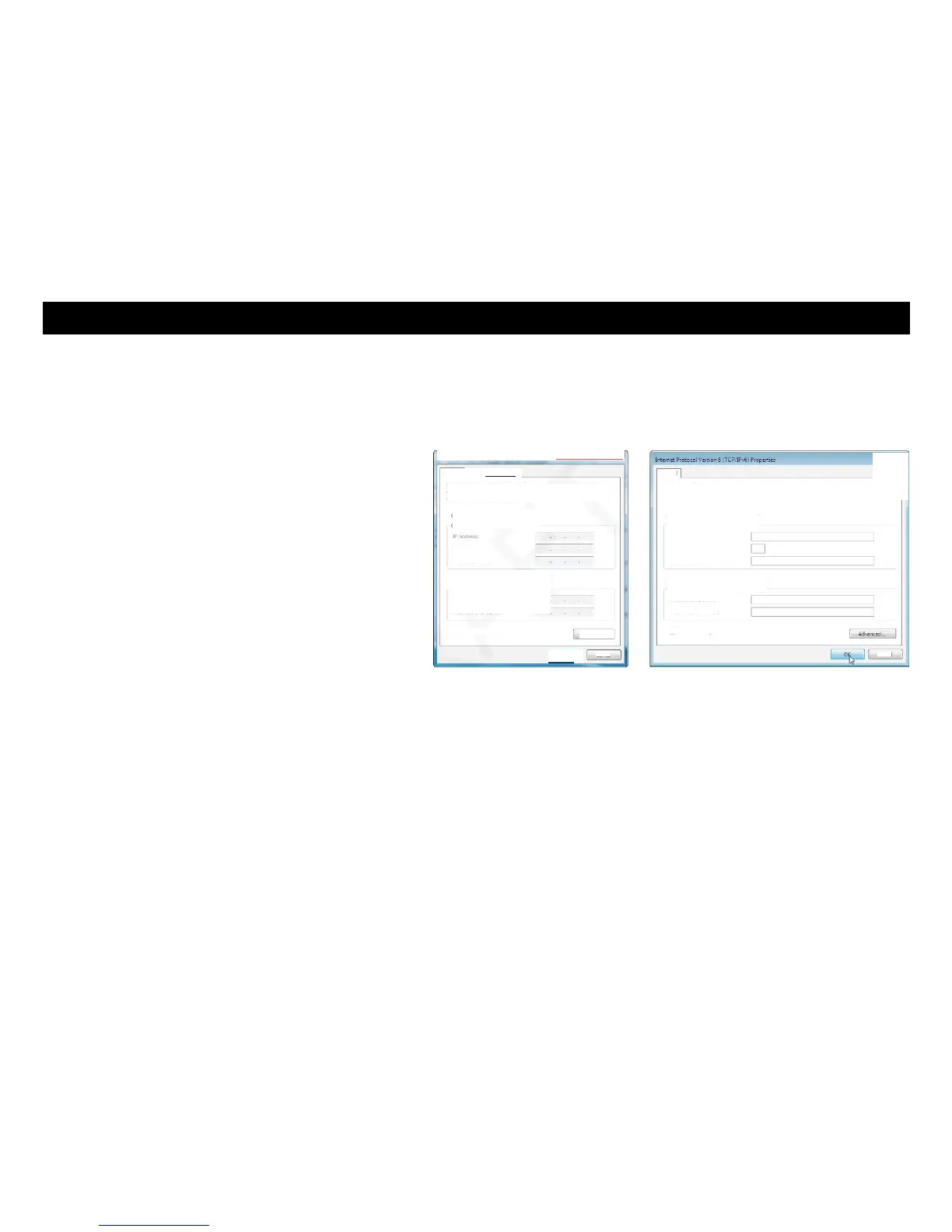
TCP/IPv4 Properties TCP/IPv6 Properties
7 For either TCP/IPv4 or TCP/IPv6, select Obtain an IP address automati-
cally and Obtain DNS server address automatically, unless instructed
otherwise by your cable provider.
8 Click OK to accept the new settings and close the Properties window. Then
click Close to back out of the remaining setup screens.















 To Next Page