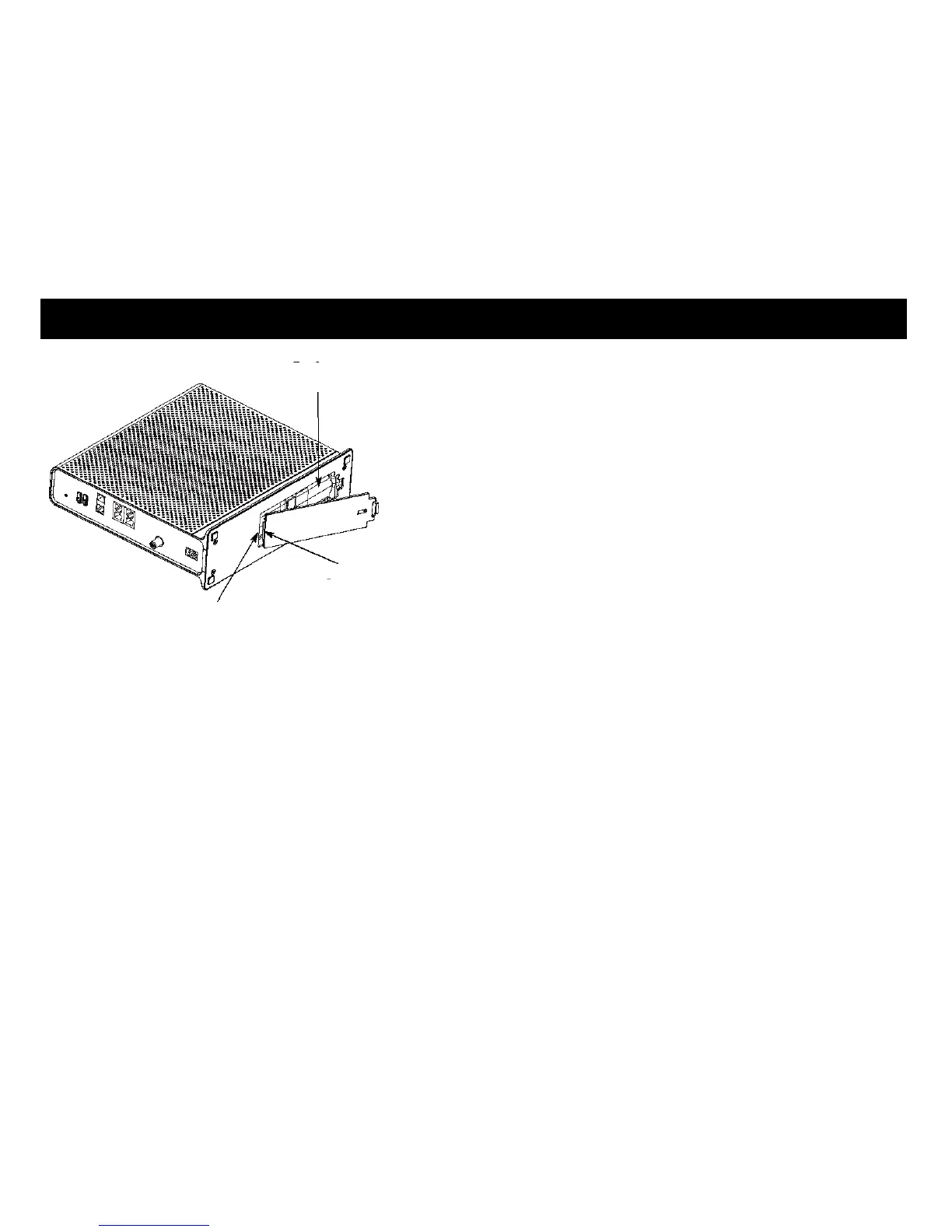
3 Push the battery pack into the bay until it latches into place. If you are
taking the battery out of the Telephony Gateway, use the battery
pull strap to dislodge the battery.
Note: The Telephony Gateway will not begin operating until you apply AC
power.
4 Replace the door. To do so, place the tab of the battery door into the slot in-
side the Telephony Gateway battery compartment. Rotate the door toward
the front of the Telephony Gateway until the latch snaps back into place.
Note: Telephony Gateways use a Lithium-Ion battery pack. Please recycle
or dispose of the battery responsibly and in accordance with local ordi-
nances.















 To Next Page