Xfinity TG1682 Telephony Gateway User's Guide 26
Connection
Status: Connected
Duration: 00: 03: 21
Speed: 12.0 M bps
Activity
Sent - • I Received
Local Area Connection 2 Properties
General Authentication Advanced.
Connect using.
. by A DDI S TO UCHS TON E DE V IC E
This connection uses the following items:
N. Client for Microsoft Networks
aFile and Printer Sharing for Microsoft Networks
aoS Packet Sched uler
Internet Protocol ITUPAPJ
Description
Transmission Control Protocol/Internet Protocol. The default
wide area network protocol that provides communication
across diverse interconnected networks
El Show icon in notification area when connected
A R R I S
Getting Battery Ethernet
Safety Started Installation Installation Configuration Usage Troubleshooting Glossary
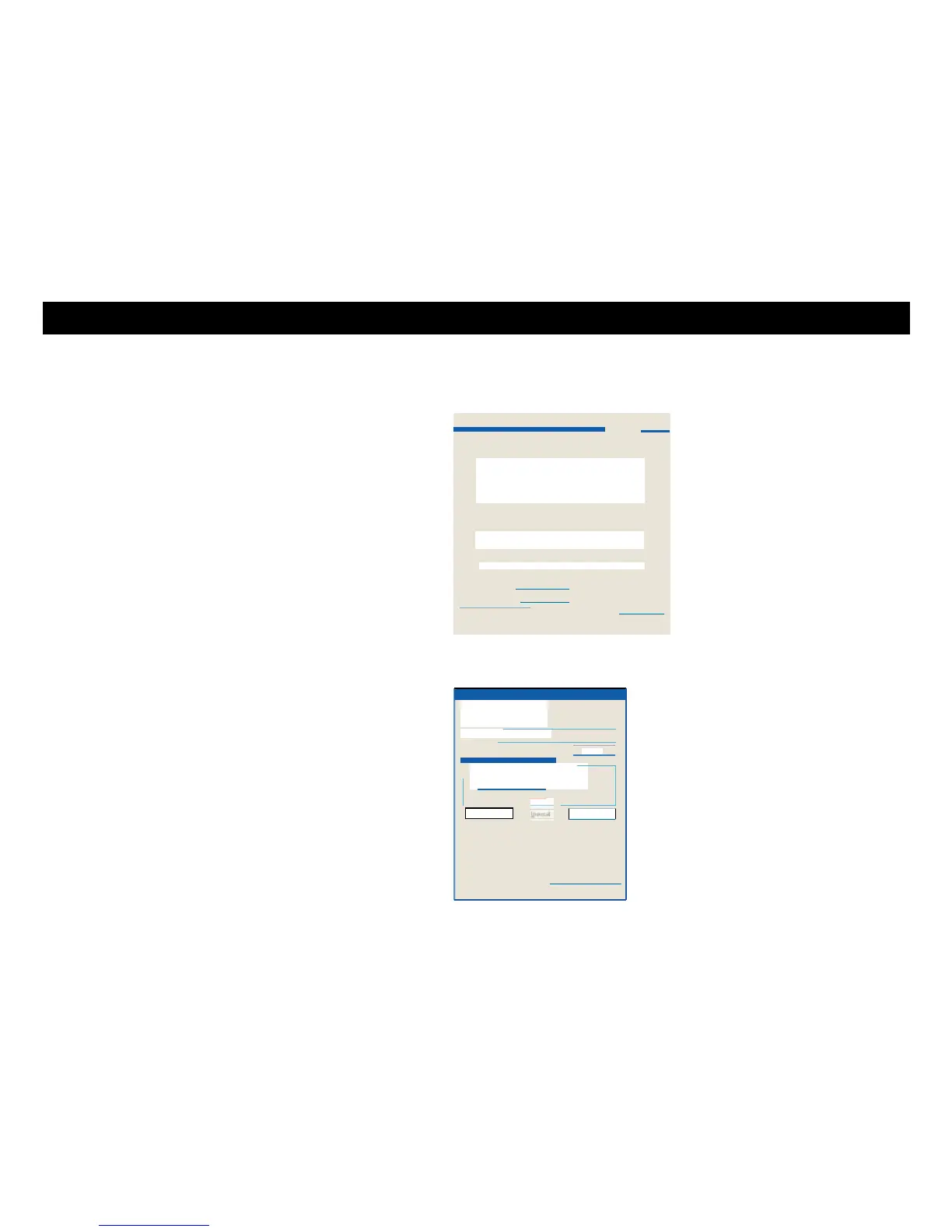
2 Double-click the local area connection to be used for your device's network
connection.
The Local Area Connection Status widow displays.
3 C l ic k Pro per ti es.
4 Select TCP/IP by clicking it one time. Then click Properties.















 To Next Page