25
17. Different animation sequences, including blinking, may
indicate different stages of heating.
18. Adjust set temperature lower
NAVIGATION
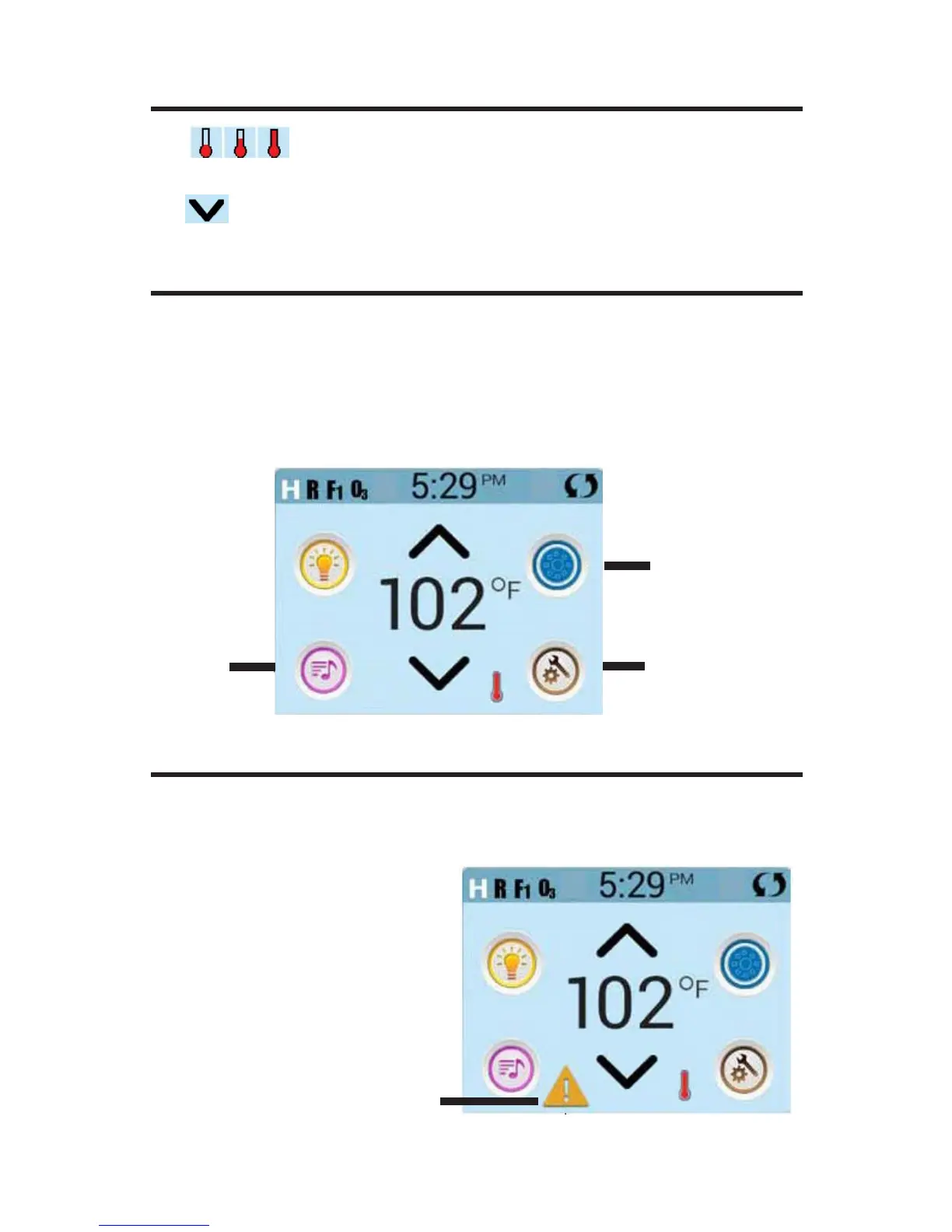
Navigating the entire menu structure is done by touching the screen.
The three screen selections indicated below can be selected. Touch one
of these to enter
a different screen with additional controls.
Most menu screens time out and revert to the main screen after 30 sec-
onds of no activity.
MESSAGES
At the bottom of the screen, at certain times an indicator may appear show-
ing that a message is waiting. Touch this indicator to go to the Message
Display Screen. On that Screen some of the messages can be dismissed.
MAIN SCREEN
Music
A Warning Message is waiting
Settings
Spa Equipment







 To Next Page