39
ADDITIONAL SETTINGS
LOCKING AND UNLOCKING
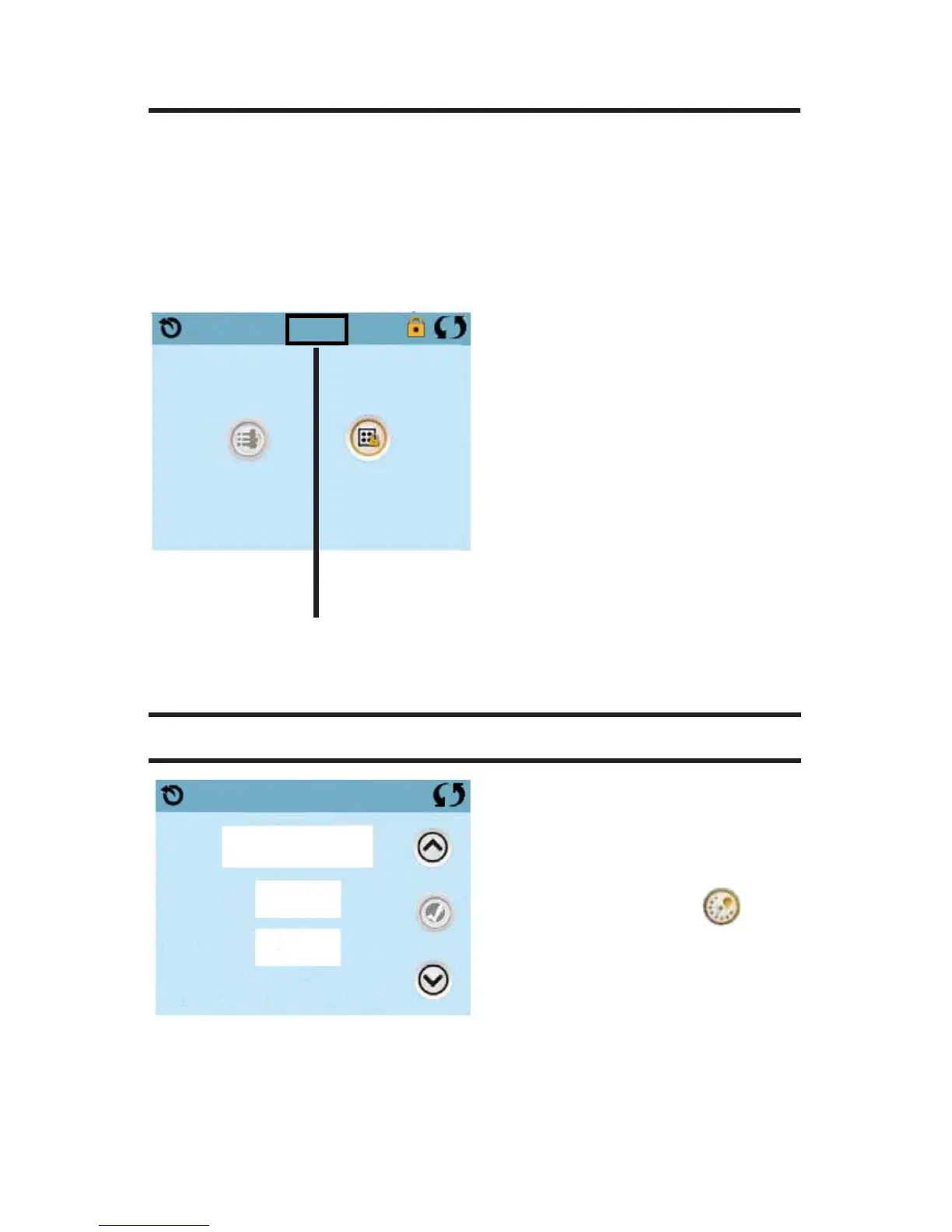
The same steps are used to Lock and Unlock. To lock either Settings or
Panel rst select Settings (if it says “Unlocked”) or Panel (if it says “Un-
locked”), than press the word “Lock“ for at least 5 seconds.
To unlock either Settings or Panel rst select Settings (if it says “Locked”)
or Panel (if it says “Locked”), than press the word “Lock“ for at least 5
seconds.
Press here for 5 seonds
to lock or unlock
Settings
Unlocked
Panel
Locked
Lock
LIGHT CYCLE OPTION
If Light Cycle does not appear
on the Settings Screen, the
Light Timer feature is not
enabled by the manufacturer.
The Light Cycle Icon on
the Settings Screen takes you to
a screen where you control the
Light Cycle.
When available, the Light Timer is (“Disabled“) by default. Press “Dis-
abled“ to change it to “Enabled“ (ON).
The settings can be edited the same way that Filter Cycles are edited.
Start
End
9:00 pm
9:15 pm
Disabled
Light Cycle







 To Next Page