TIME-OF-DAY
36
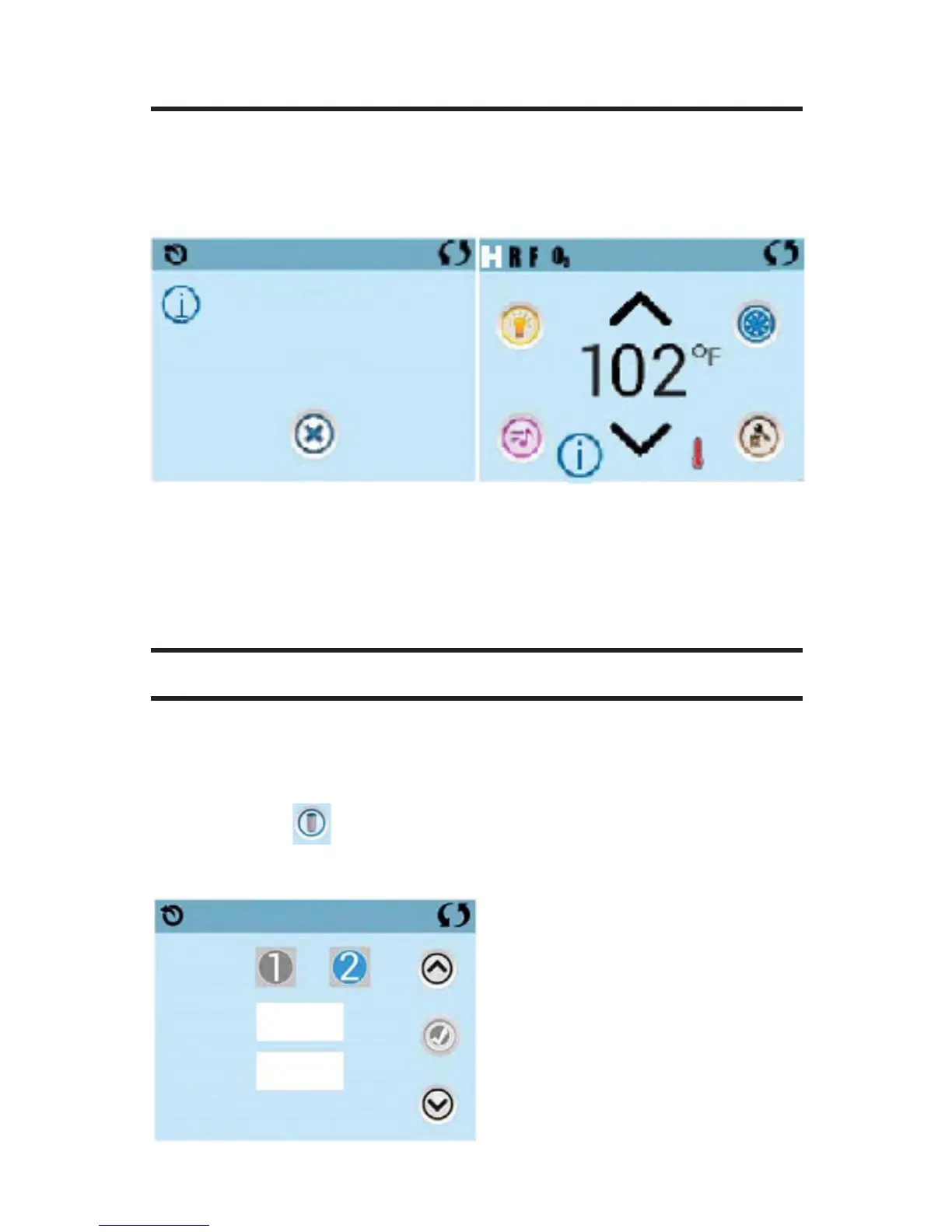
If no time-of-day is set in the memory an Information Screen will appear. If
you exit it and Information Icon
will appear at the bottom of the Main Screen, until the time-of-day has
been set.
NOTE: THIS ONLY APPLIES TO SOME SYSTEMS: IF POWER IS IN-
TERRUPTED TO THE SYSTEM, TIME-OF-DAY WILL BE MAINTAINED
FOR SEVERAL DAYS.
ADJUSTING FILTRATION
MAIN FILTRATION
Using the same adjustment as Setting the Time, Filter Cycles are set using
a start time and a duration. Each setting can be adjusted in 15-minute in-
crements. The panel calculates the end time and displays it automatically
The Filter Icon on the Settings Screen takes you to a screen where
you control the Filter Cycles.
Information
Message Code: 40
Set the time
Exit
Filtration
Start
End
Duration
9:15 pm
9:16 pm
3 Hr 00 Min







 To Next Page