26
SET TEMPERATURE
SET TEMPERATURE
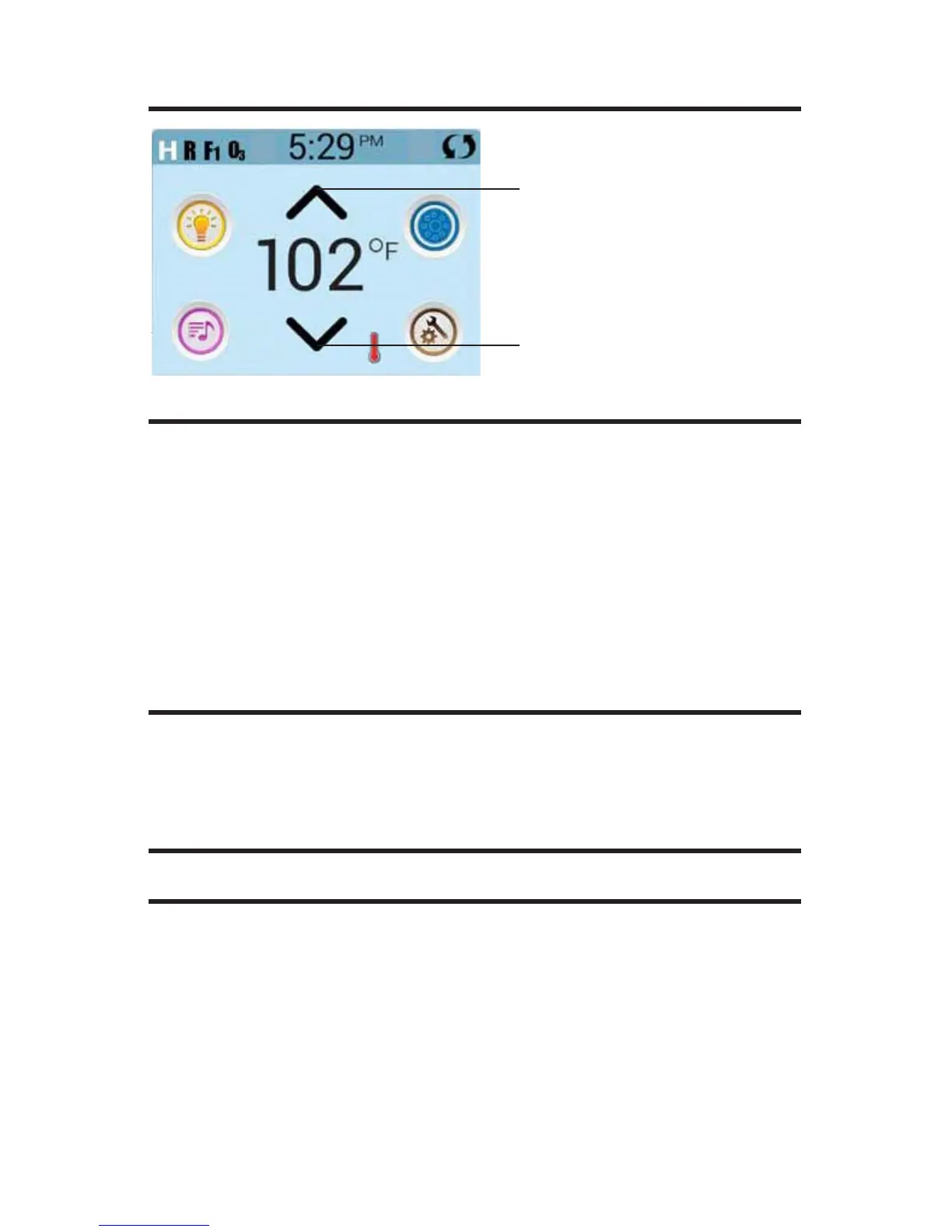
Press Up or Down once to display the Set Temperature (indicated by a
ashing ºF or ºC, plus a change in color of the temperature).
Press Up or Down again to modify the Set Temperature. The Set Tempera-
ture changes immediately.
If you need to switch between High Temperature Range and Low Tem-
perature Range you need to go to the Settings Screen.
PRESS AND HOLD
If Up or Down is pressed and held, the temperature will continue to change
until you stop pressing, or until the Temperature Range limits are reached.
SPA SCREEN
ALL EQUIPMENT ACCESS
The Spa Screen shows all available equipment* to control. The display
shows icons that are related to the equipment installed on a particular spa
model, so this screen may change depending on the installation.
The icon buttons are used to select and control individual devices.
* One exception: the Main Spa Light is not shown on the Spa screen; it is
only shown (and controlled) on the Main Screen.
Set Temperature Up
Set Temperature Down







 To Next Page