UTILITIES SCREEN
43
UTILITIES
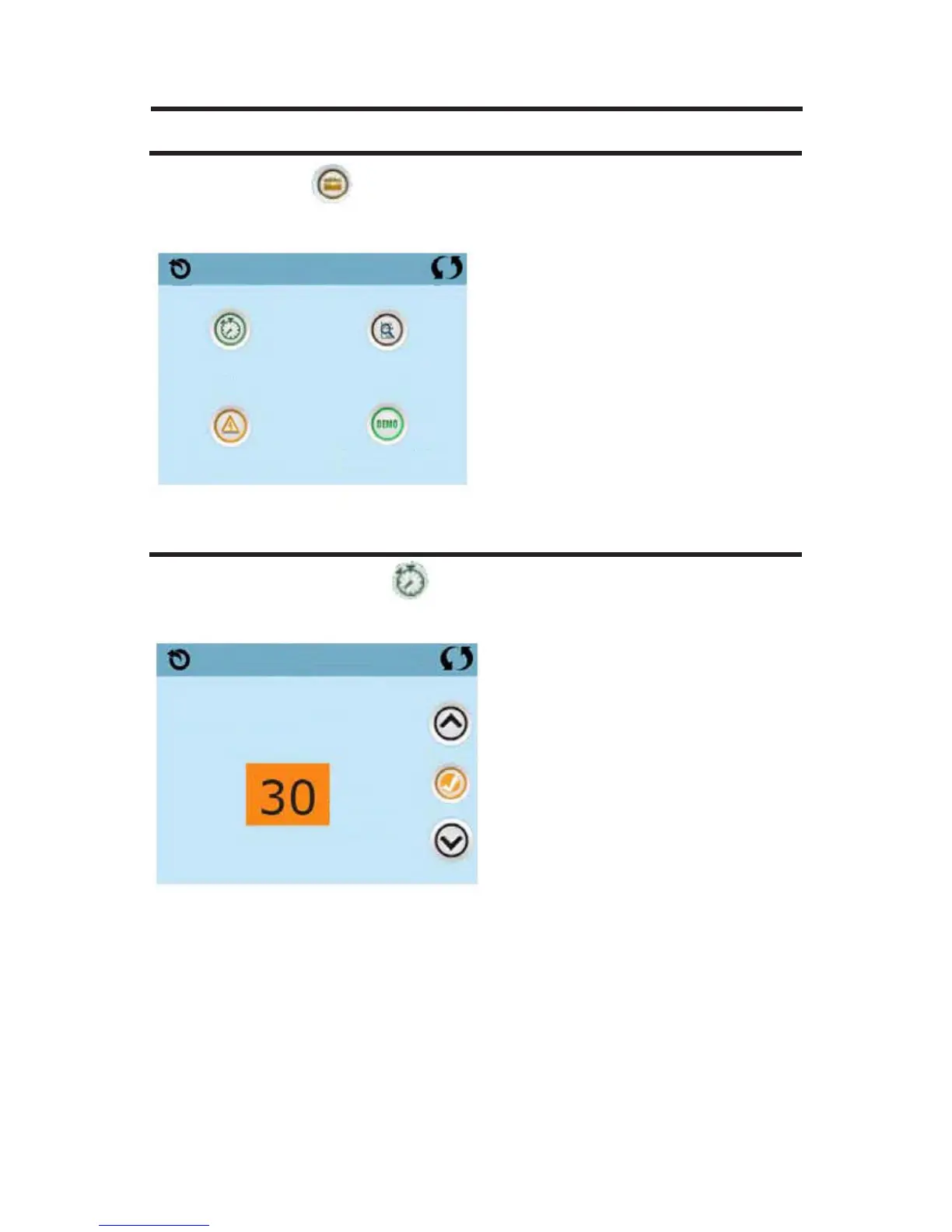
The Utilities Icon on the Settings Screen takes you to the Utilities
Screen. The Utilities Screen contains the following:
PANEL
Touching the Panel Icon on the Utilities Screen takes you to the
Panel
Screen, where you can set how long it takes the panel to go to sleep after
the last activity.
The Sleep Timer can be set from 1 minute to 60 minutes.
The default is 30 minutes.
Utilities
Panel
GFCI Test
Faults
Demo Mode
Panel
Sleep After
Min







 To Next Page