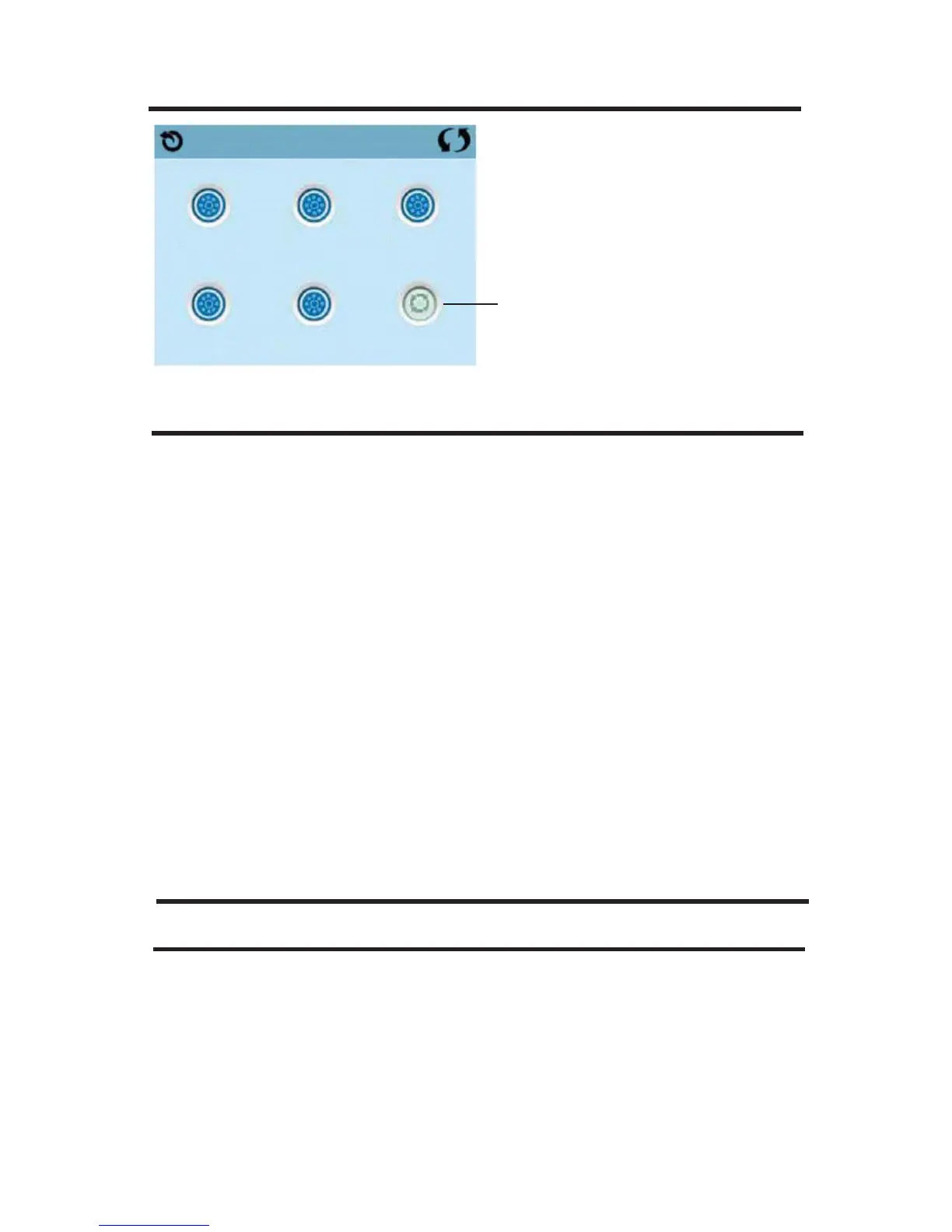
FILL IT UP!
33
EXITING PRIMING MODE
The system will automatically enter the normal heating and ltering at the
end of the priming mode, which lasts 4-5 minutes.
You can manually exit Priming Mode by pressing the “Back” button on the
Priming Mode Screen. Note that if you do not manually exit the priming
mode as described above, the priming mode will be automatically termi-
nated after 4-5 minutes. Be sure that the pump(s) have been primed by
this time.
Once the system has exited Priming Mode, the top-side panel will display
the Main Screen, but the display will not show the water temperature yet,
as shown below. This is because the system requires approximately 1
minute of water owing through the heater to determine the water tem-
perature and display it.
– – – –°F – – – –°C
SPA BEHAVIOR
PUMPS
On the Spa Screen, select a “Jets” button once to turn the pump on or off,
and to shift between low- and high-speeds if equipped. If left running, the
pump will turn off after a time-out period.
NON-CIRC SYSTEMS
The low-speed of pump 1 runs when the blower or any other pump is on.
If the spa is in Ready Mode, Pump 1 low may also activate for at least 1
Jets 1 Jets 2 Jets 3
Jets 4 Jets 5 Circ
Priming Mode
Circulation Pump







 To Next Page