Technical data
14 182099015-V01-10.Juni2013-GA-MCL31-THAI
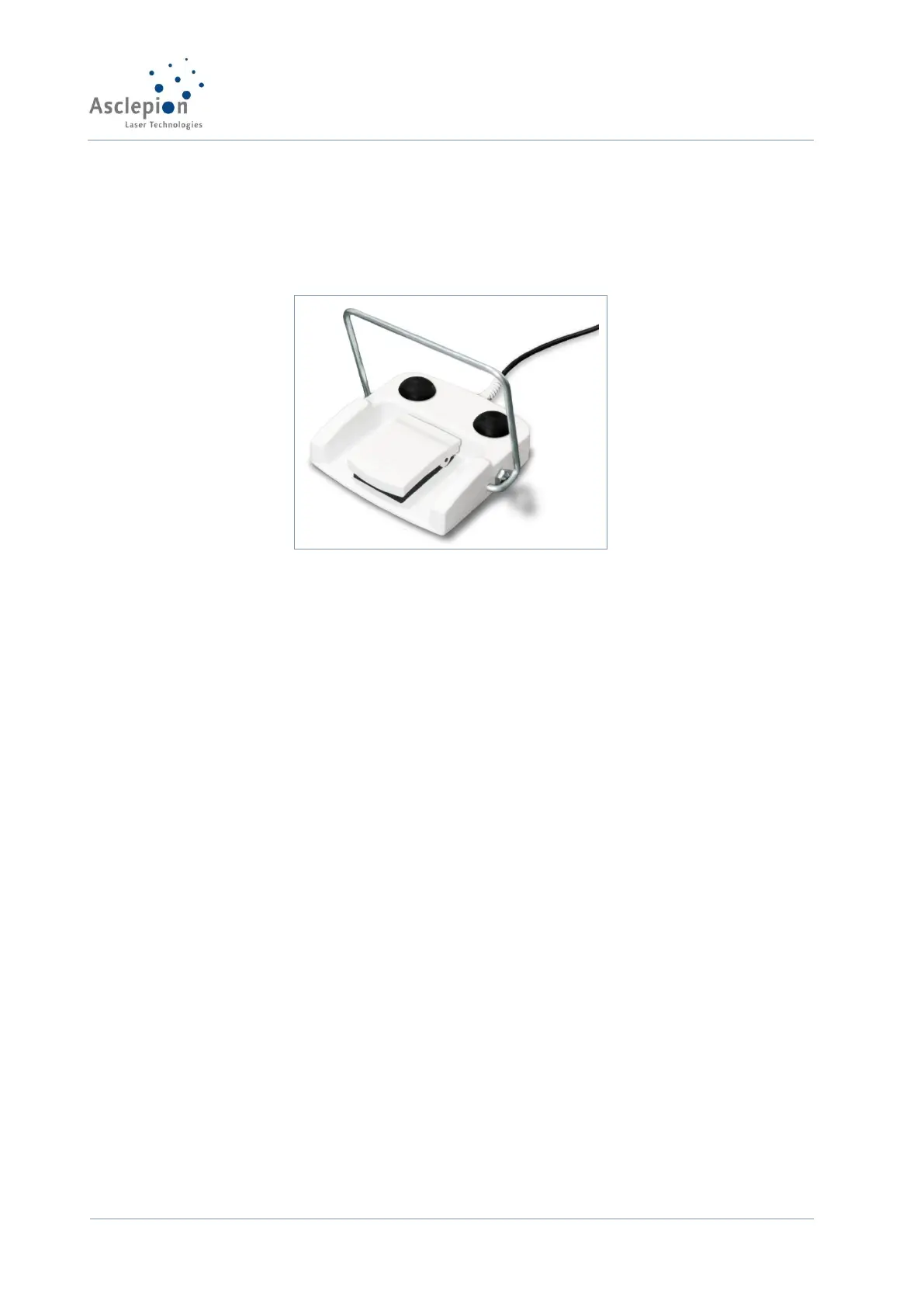
Foot switch
The foot switch is an electric button that releases the laser emission if the laser is activated and
the device is in the READY mode. It is equipped with two redundant switching elements. Always
position the foot switch close to the treatment area.
STANDBY mode
The STANDBY mode prevents unintentional or inadvertent activation of the laser. If the device is
in the STANDBY mode, laser emission cannot be activated. The user can only start the emission
if the READY button has been pressed.
The system switches to STANDBY in the following situations:
• after the device is first started,
• if the User presses one of the buttons for selecting the laser parameters,
• if the system has been in the READY mode for a protracted period of time without the
laser being fired,
• if the User presses the STANDBY key when the system is in the READY mode.
Automatic shut-down
The device is equipped with an automatic shutdown system. If a specific problem arises, the
system will automatically change into the following safe mode:
The laser beam shutter is closed, the laser discharge is interrupted and the footswitch is
deactivated. The screen shows a fault message identifying the specific error (see chapter Fault
Messages and Fault Removal).
Remote door interlock contact
The system is equipped with a remote interlock contact that may be connected to the entrances
to the laser room. If the remote interlock contact is open (e.g. if the door is opened), the laser
emission will be interrupted automatically and the device will change to the STANDBY mode.
Acoustic signal


 To Next Page