Start up
26 182099015-V01-10.Juni2013-GA-MCL31-THAI
The internal relay of the device is closed if the device is in the READY mode.
The prescribed laser warning lamp may, of course, also be turned on and off via a normal light
switch if the laser is operated.
4.2.4.1 Terminals for Spot Identification & Fume Extraction
The laser device includes a sensor to identify the size of the treatment spot automatically. This in-
formation about a currently set spot size is transmitted via an electric cable to the system control-
ler. The cable must always be connected. Otherwise, the spot cannot be identified. This will
trigger an error message.
In addition, the MCL 31 Dermablate is equipped with a fume extraction device. In READY mode,
particles and aerosols forming in the process of ablation will be exhausted directly at the point of
formation as long as the footswitch is depressed. A plastic tube links the handpiece to the main
unit.
Both terminal ports are located at the top directly below the articulated mirror arm and the hand-
piece respectively (see Figure 5: ).
WARNING
Working without fume extraction will soon cause the handpiece optics to suffer from
particulate sedimentation. This may result in burn-in effects and damage.
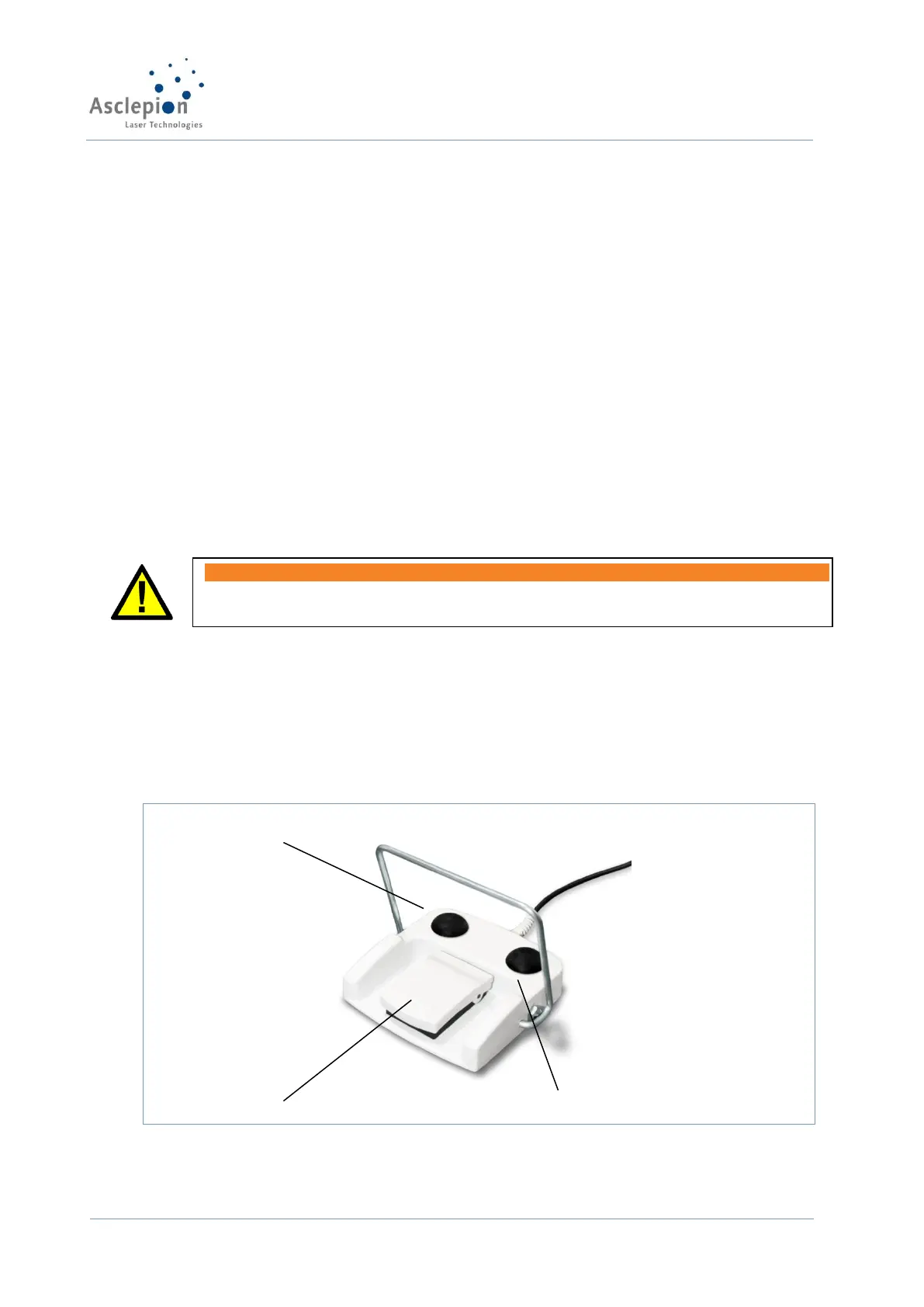
4.2.5 Foot switch
Now, connect the foot switch to the foot switch connector provided at the rear panel of the device
(refer to Figure 6: ). Ensure you insert the plug as deep as it will go. Then lock it by turning the
cap nut clockwise. The foot switch should be positioned immediately adjoining the device.
To be able to activate the foot switch later, the cover must be pressed first so that it opens. Thus,
the real switch can be accessed and foot-activated to release the laser emission in the READY
mode.


 To Next Page