WARNING
The laser device emits high levels of radiation in the infrared range.
The use of controls or adjustments or performance of procedures other than those
specified herein may result in hazardous radiation exposure.
This may cause serious damage to the eyes.
It is essential to observe the instructions included in this User Manual for equipment
and procedures for operating, maintaining, checking or calibrating purposes.
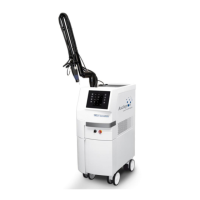
The spring-balanced articulated mirror arm may move unintendedly when released and
may cause damages. It should always be put into the parking position when the
treatment is interrupted.
5.1 Overview of operation
The treatment parameters are to be set via the touch screen on the display (buttons below glass
plate) on the front panel (refer to Figure 5: Connections on the front panel). The setting is very
straightforward and self-explanatory.
• To select a function, press the corresponding fields on the left side of the display. Press
the Up and Down buttons on the right side of the display to set the chosen parameter
(e.g. Fluence, Pulse Duration, Frequency). Confirm the proper parameter by pressing the
activated left button again. Active fields are framed.
• Successful key pressure will be confirmed by a short beep signal.
• The device is activated by pressing the STANDBY/READY key. The active mode is
shown in white. If the Device is switched to the READY mode, the yellow warning sign
will also be shown on the display.


 To Next Page