Fault messages and fault clearance
56 182099015-V01-10.Juni2013-GA-MCL31-THAI
9 Fault messages and fault clearance
9.1 Overview
If the device does not respond when the key switch is turned to ON, check the following:
1. The device is connected to the power supply.
2. The power switch at the rear panel of the device is switched on (position ‘I’, see Figure 6: ).
3. The Laser emergency STOP switch is unlocked. If locked, please unlock by turning the red knob
anticlockwise until the lock is released and the switch jumps out (see Figure 5: ).
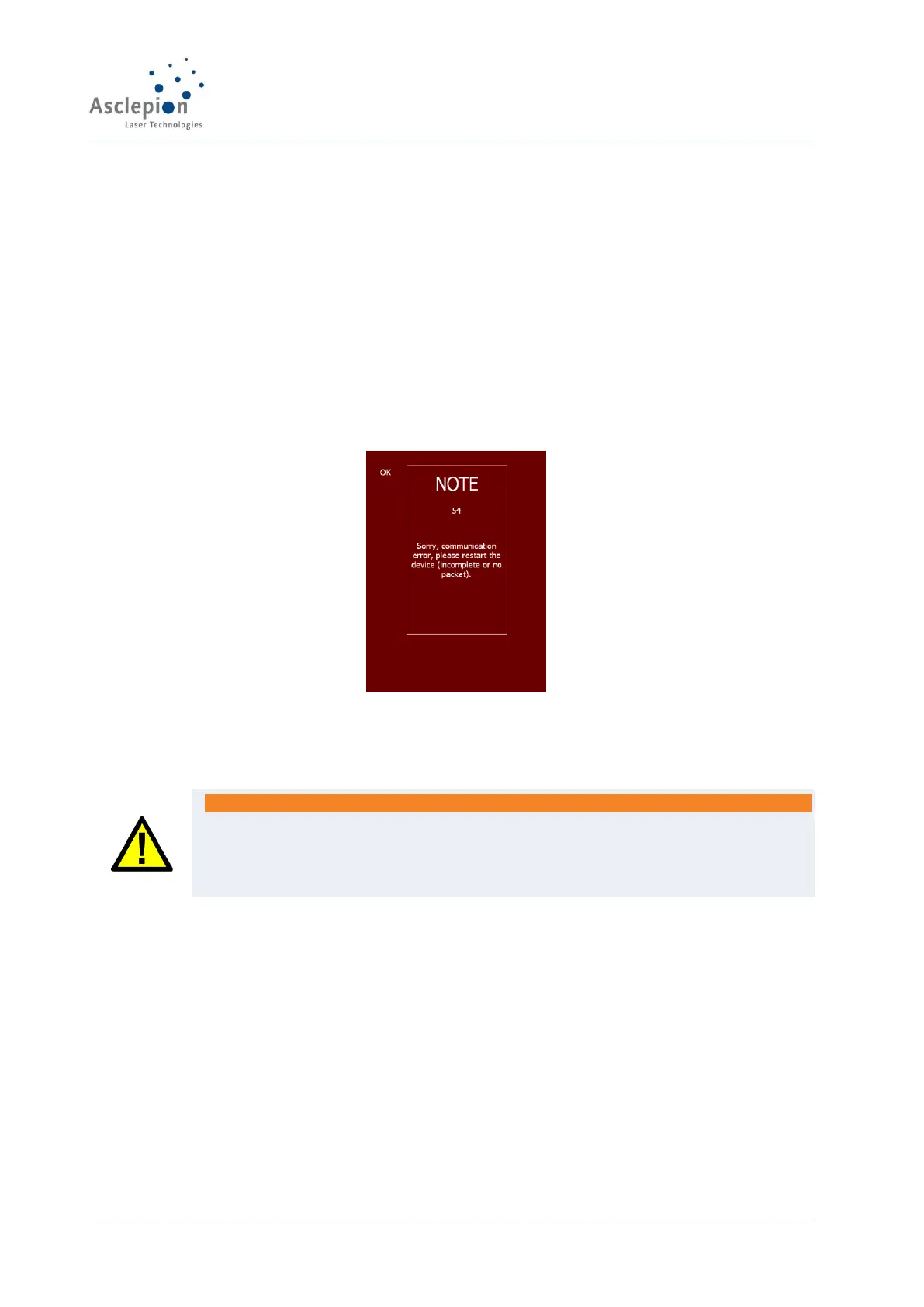
As mentioned before, you are assisted in fault finding by operator guidance via the display.
Figure 31: Fault messages screen (example)
For general faults, the display shows a fault message with instructions in plain text. Some faults
can be cleared by the user. Follow the instructions on the display to do this.
WARNING
The laser is operated with mains power. There is the risk of electric shock and damage
to the eyes!
You are strongly advised against trying to repair the device other than following the
instructions given in the display!
In the case of safety-related faults, the device will shut down within milliseconds. A display of a
fault message is impossible. If this happens or any other fault appears that has not been
described in this manual, disconnect the device from the power supply by unplugging it at the
mains.
This chapter provides information on possible causes of any malfunction of the MCL 31
Dermablate system. Faults can be cleared by operators, except those specifically noted as
requiring repair only by technicians employed with or authorized by Asclepion Laser Technologies
GmbH.
Improper use or maintenance of the laser system may void the warranty given by Asclepion Laser
Technologies GmbH. Before starting any repair or if you have questions that have not been
answered by this manual, contact your service partner (see chapter ‘Customer service’).


 To Next Page