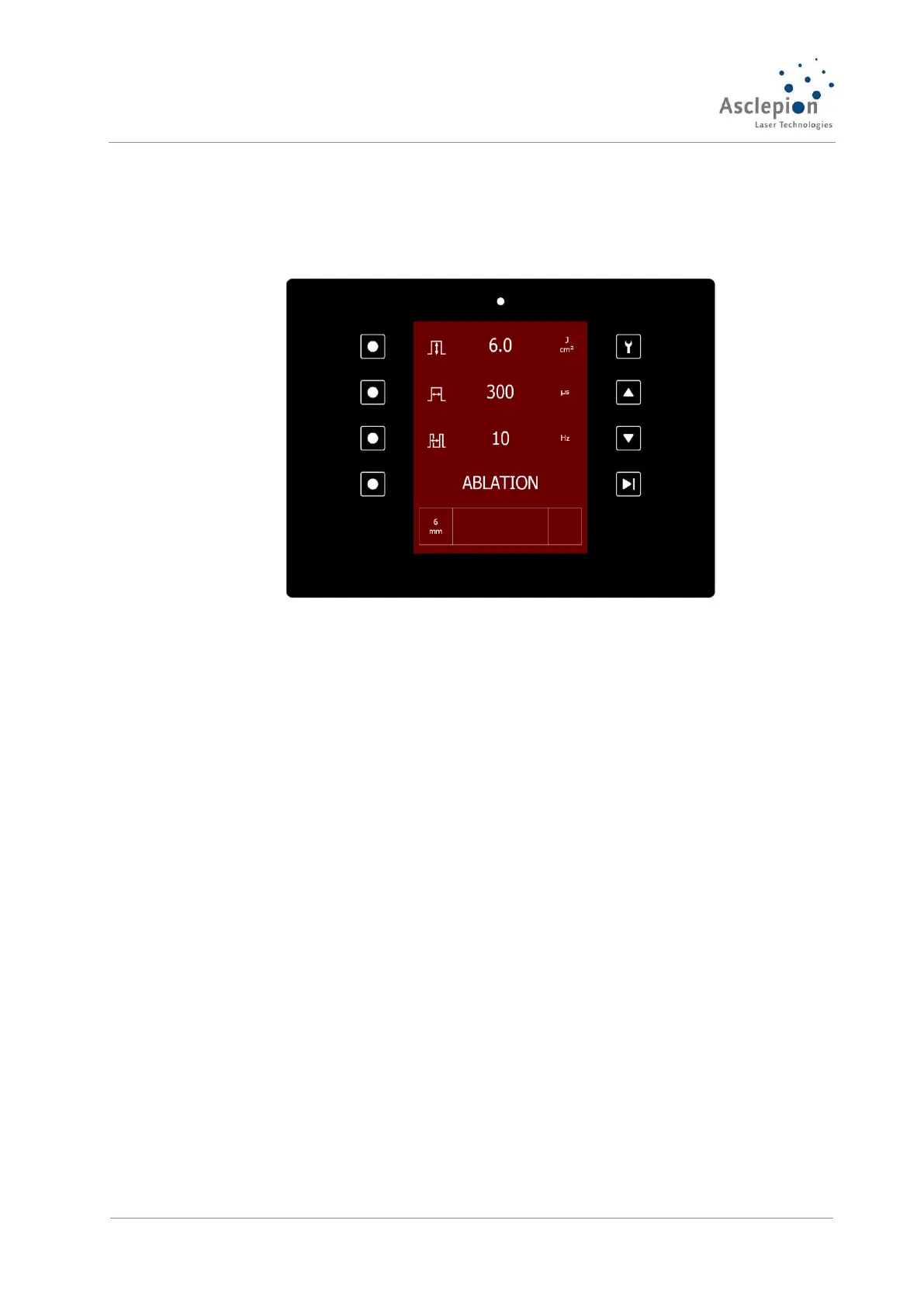
Figure 26: Ablation screen
5.2 Settings for your laser device
The parameters that can be set depend on the mode.
Ablation mode (with VarioTEAM handpiece):
Energy density (Fluence), pulse length (Time) and treatment speed (Speed) can be set.
Note: Mode and Spot Diameter (selected at handpiece) are shown.
Thermal mode (with VarioTEAM handpiece):
Fluence, interval and number of pulses can be set.
Note: Frequency and pulse length are fixed.
Fractional mode (with MicroSpot handpiece):
Interval and number of pulses can be set (Pulse number influences total fluence).
Note: Density and ablation depth are shown.


 To Next Page