ADR141A /
ADR241A
Ref ID : ADR241A/IM/UG
Rev No. : 02
with HR (Hand-Reset) respectively.
Press the Left arrow key () to move to the next option.
Com Port = USB
USB/RS485
Editable Setting
By using the Plus / Up arrow key (+ /) or the Minus / Down
arrow key (- /)
the desired Com Port can be set, i.e. USB or
RS485.
Press the Left arrow key () to move to the next option.
Set Parity = None
None/Even/Odd
Editable Setting
By using the Plus / Up arrow key (+ /) or the Minus / Down
arrow key (- /)
the desired Parity can be set, i.e. None, Even
or Odd.
Press the Left arrow key () to move to the next option.
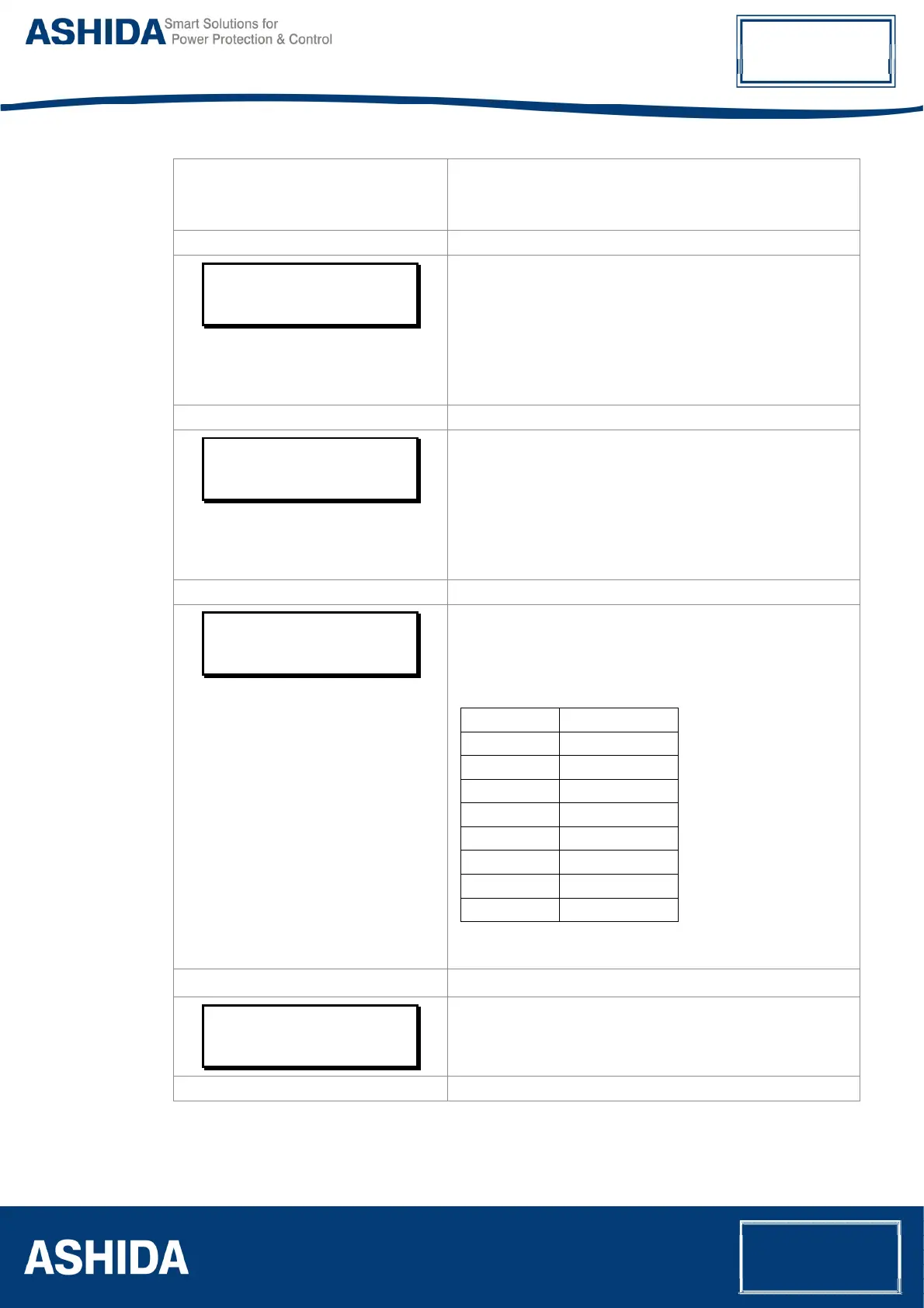
Baud Rate = 008
Range 1 – 8
Editable Setting
By using the Plus / Up arrow key (+ /) or the Minus / Down
arrow key (- /)
the desired Baud Rate can be set. The range
is from 1 to 8.
Set value Baud Rate
1 2400
2 4800
3 9600
4 14400
5 19200
6 28800
7 38400
8 57600
Press the Left arrow key () to move to the next option.
Save setting?
Mode (
) For Save
Press the Left arrow key () to SAVE the changes and move
to the next option.



 To Next Page