4-32
Chapter 4: BIOS Setup
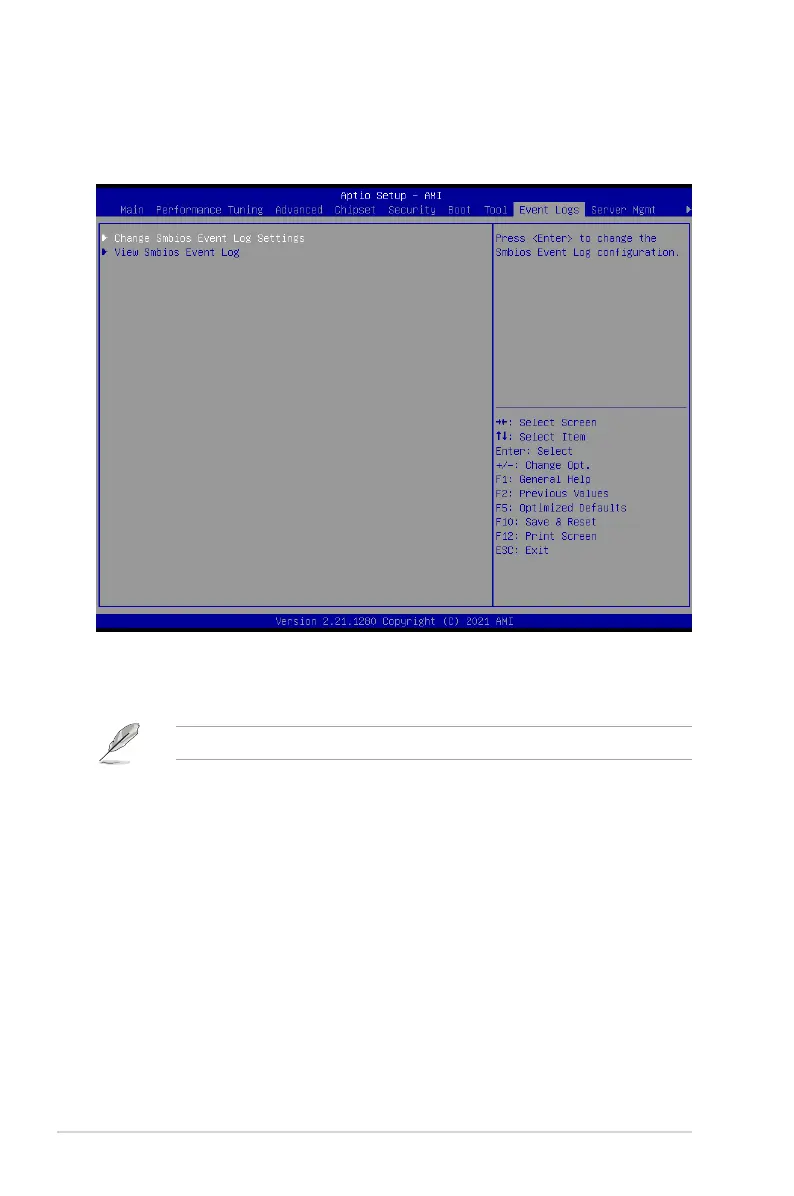
4.10 Event Logs menu
The Event Logs menu items allow you to change the event log settings and view the system
event logs.
4.10.1 Change Smbios Event Log Settings
Press <Enter> to change the Smbios Event Log configuration.
All values changed here do not take effect until computer is restarted.
Enabling/Disabling Options
Smbios Event Log [Enabled]
Change this to enable or disable all features of Smbios Event Logging during boot.
Configuration options: [Disabled] [Enabled]














 To Next Page