2-53
ASUS ESC4000A-E12
2.12 Installing a GPU bridge
Follow the steps below to install an optional GPU bridge to supported GPU cards.
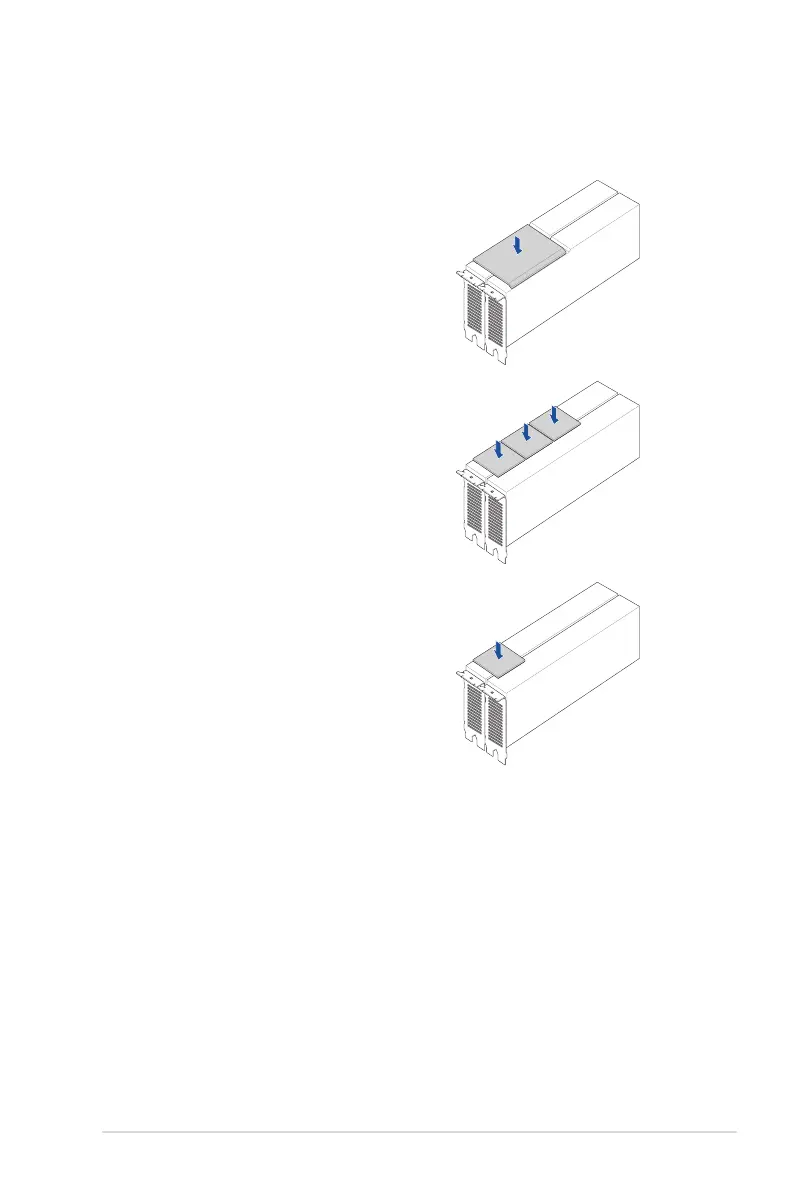
For AMD GPU cards with GPU bridge support
Align the GPU bridge with the golden finger connectors
on the GPU cards, then install the GPU bridge.
For NVidia A100 GPU cards
Align the three GPU bridges with the golden finger
connectors on the GPU cards, then install the GPU
bridges.
For NVidia RTX A5000 / A6000 GPU cards
Align the GPU bridge with the golden finger connectors
on the GPU cards, then install the GPU bridge.














 To Next Page