4-34
Chapter 4: BIOS Setup
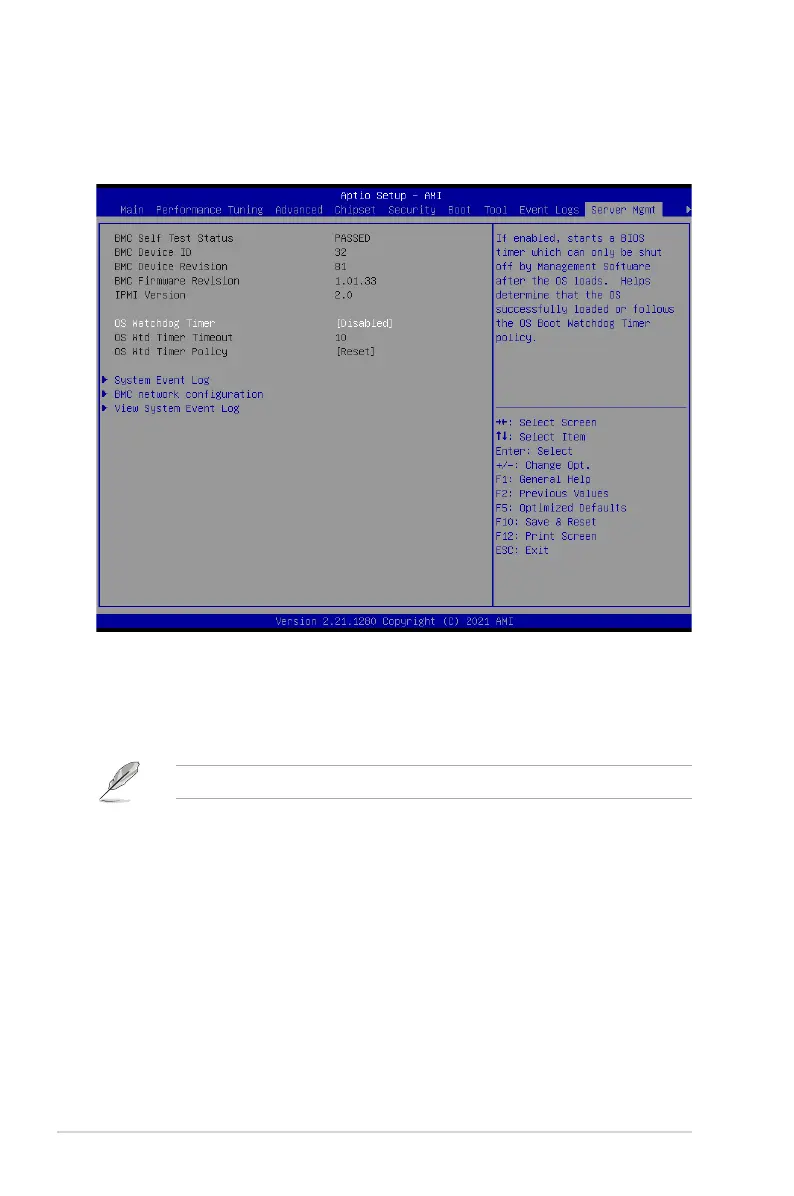
4.11 Server Mgmt menu
The Server Management menu displays the server management status and allows you to
change the settings.
OS Watchdog Timer [Disabled]
This item allows you to start a BIOS timer which can only be shut off by management
software after the OS loads.
Configuration options: [Enabled] [Disabled]
The following items appear only when
OS Watchdog Timer
is set to
[Enabled]
.
OS Wtd Timer Timeout
Enter the value between 1 to 30 minutes to configure the length fo the OS Boot
Watchdog Timer.
OS Wtd Timer Policy [Reset]
This item allows you to configure the how the system should respond if the OS Boot
Watch Timer expires.
Configuration options: [Do Nothing] [Reset] [Power Down] [Power Cycle]














 To Next Page