2-21
ASUS ESC4000A-E12
2.5.3 Installing a PIKE II or RAID card
A PIKE II or RAID card can be installed in the internal SAS/HBA/Storage bracket located in
the front of the system.
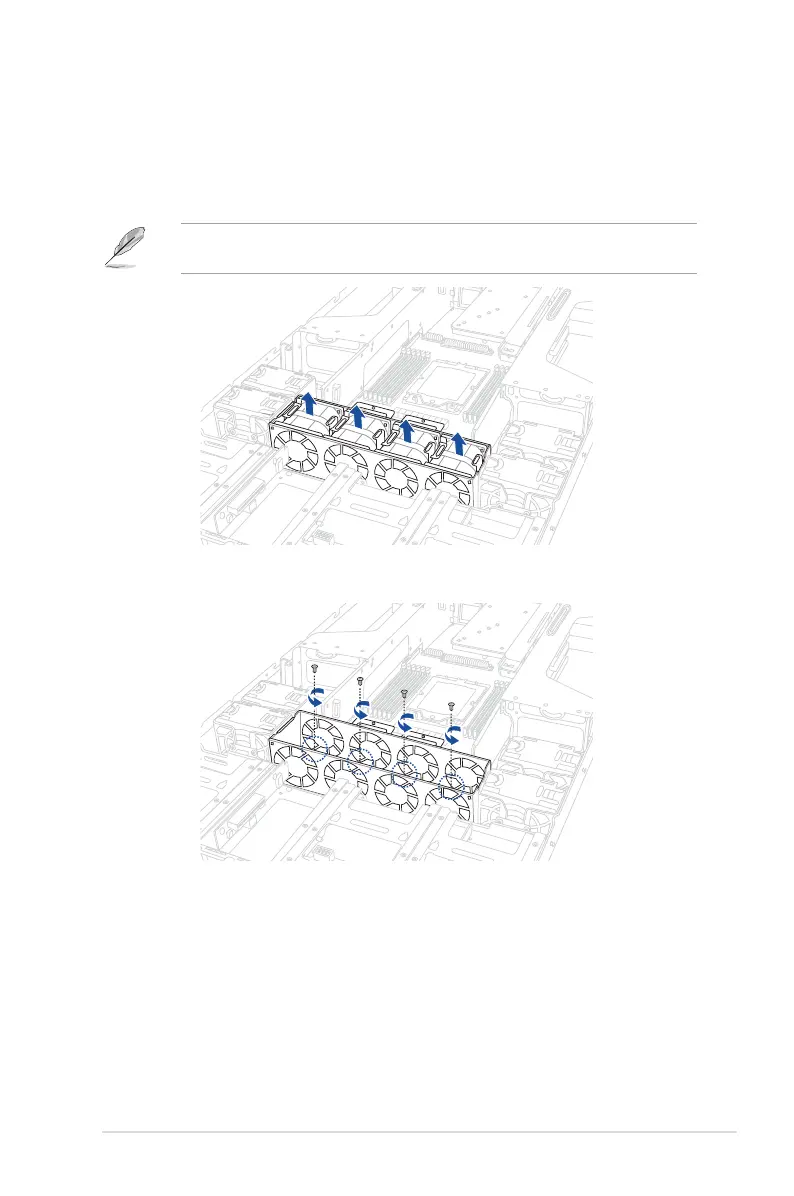
1. Remove the four (4) system fans as shown.
Refer to the
Removable/Optional Components
section for the steps on removing the
system fans.
2. Remove the four (4) screws from the fan cage as shown.














 To Next Page