Chapter 2: Hardware Setup
2-18
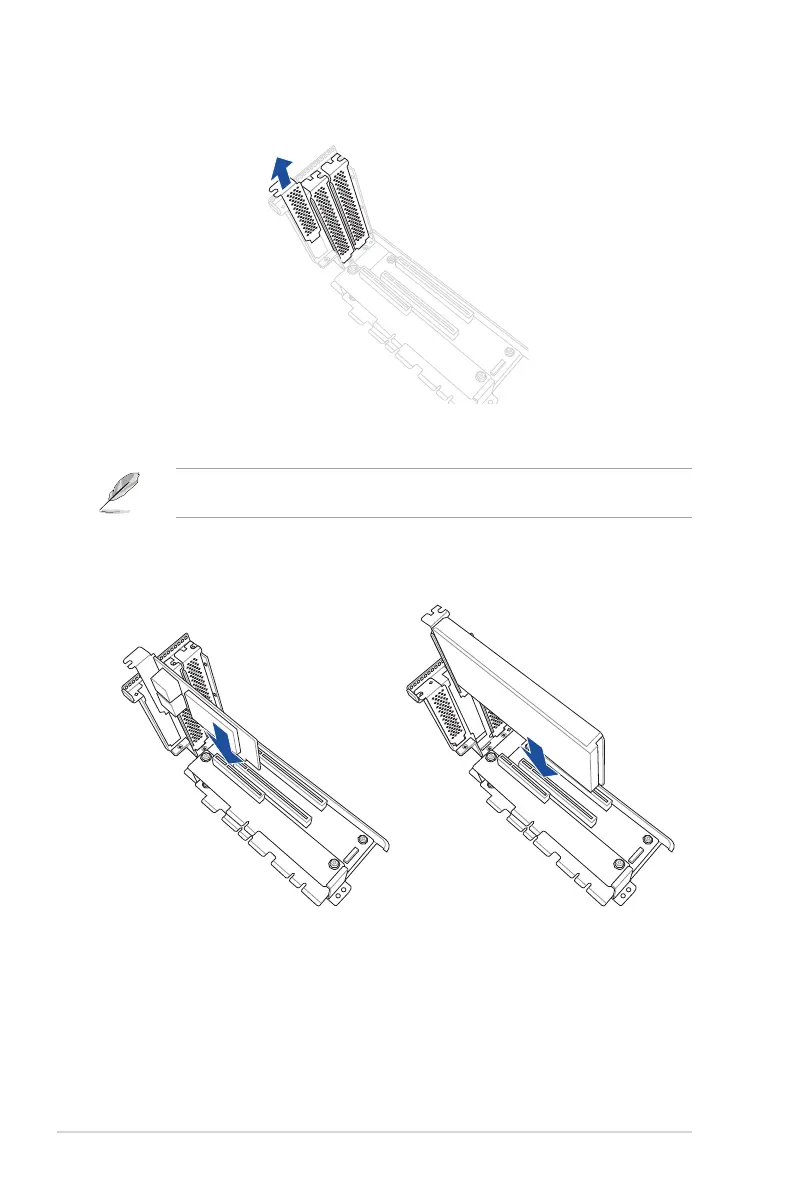
4. Prepare the expansion cards.
Before installing an expansion card, read the documentation that came with it and ensure
that the proper hardware settings are configured.
5. Align and insert the golden finger connectors of the expansion cards into the PCIe slot
connectors on the riser card as shown.
3. Remove the metal covers from the riser card.
For PCIe x8 expansion cards For PCIe x16 expansion cards














 To Next Page