Chapter 2: Hardware Information
2-26
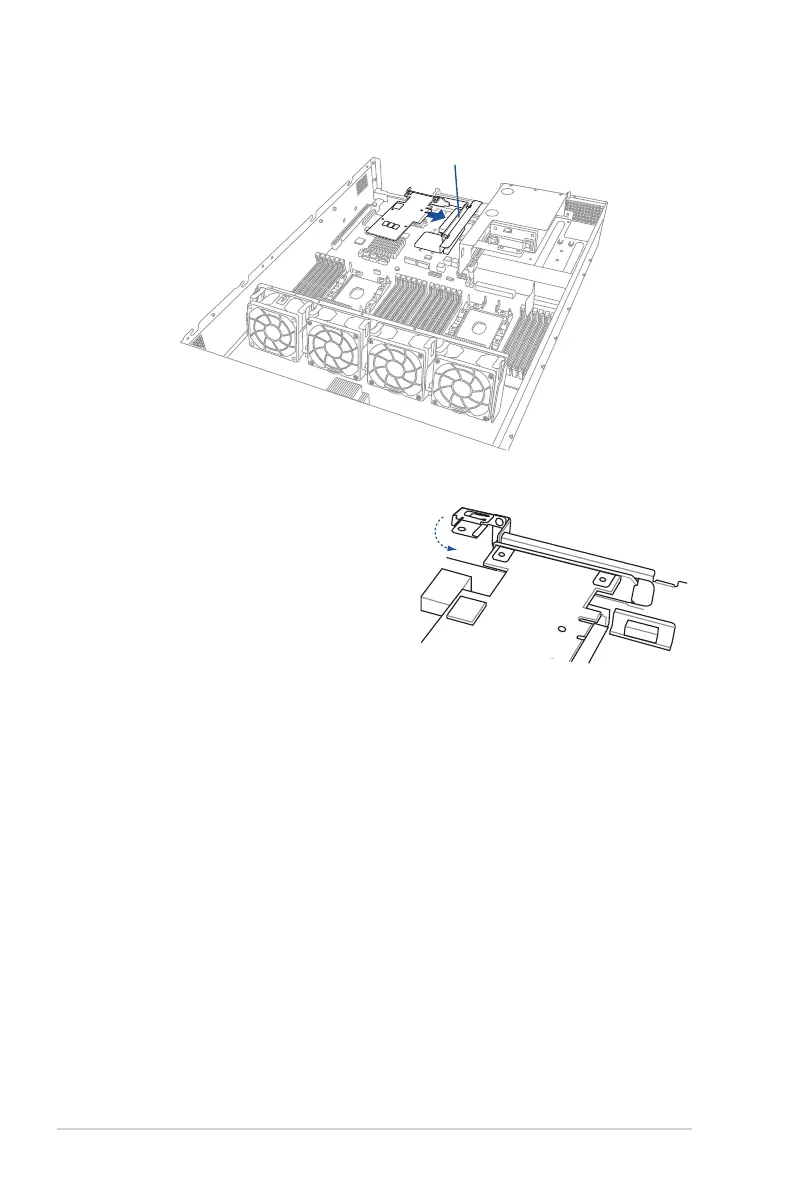
5. InstallthePCIEexpansioncardintotherisercardbracket4.
6. Move the metal lock downward to
secure the riser card bracket 4 and the
PCIEexpansioncardassemblytothe
chassis.
7. Secure the metal lock to the chassis with the screw removed in step 2.
Riser card bracket 4














 To Next Page