ATI Radeon™ HD 3800 Series User Manual
40
3.5 Displays Manager Standard View
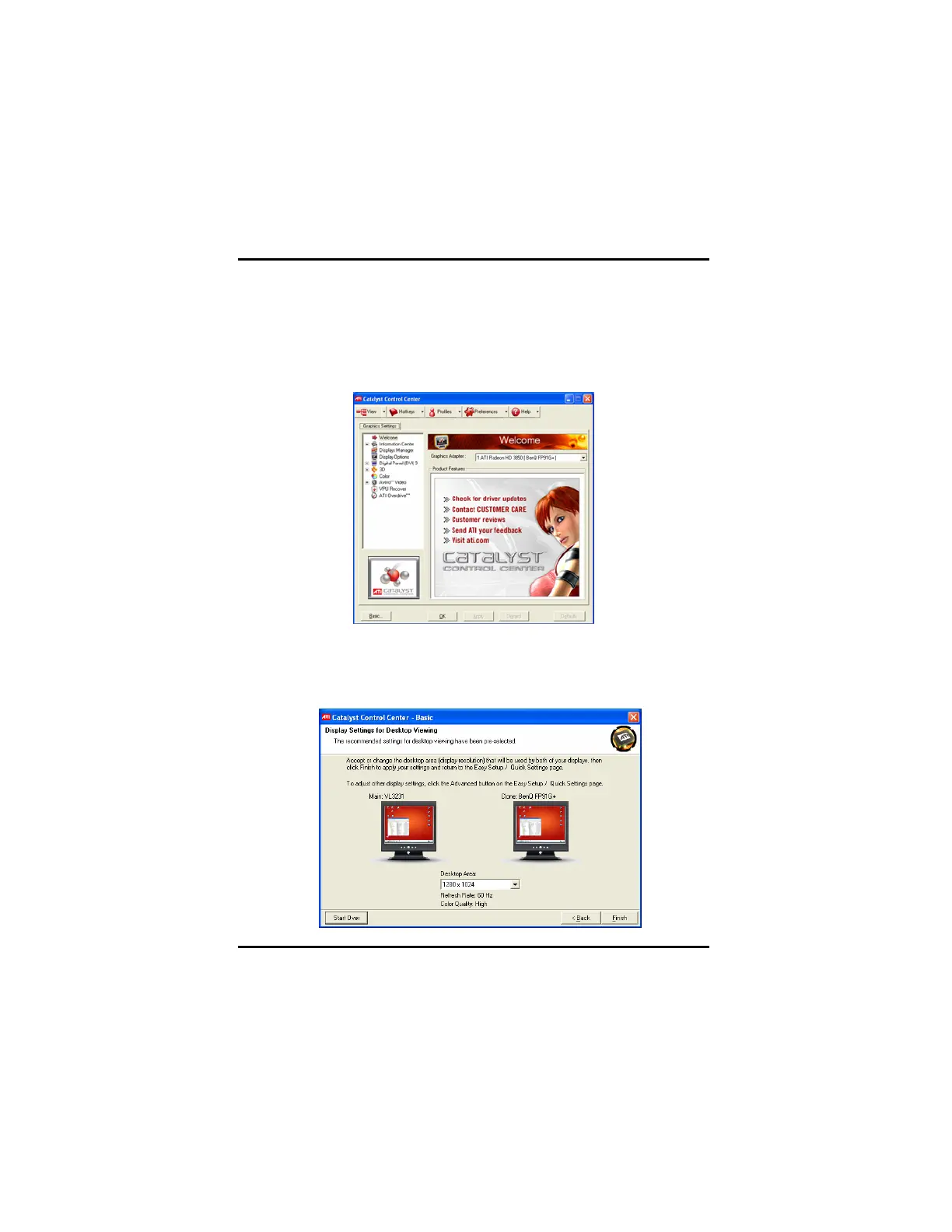
To enable additional displays for connected display devices, you can
Right-click the Windows desktop and click ATI CATALYST® Control
Center. The ATI CATALYST® Control Center dialog box appears.
Use Displays Manager Standard View to set your desktop resolution,
arrange your displays, or use the wizard to help you configure your
display(s).



 To Next Page
 Loading...










