1. Tap the desired service plan. A selection screen will pop up.
2. Change the Running Hours by tapping ‘–’ or ‘+’.
3. Confirm by tapping ‘V’ or decline by tapping ‘X’.
The service history can be viewed by tapping icon (3).
When a service plan interval is reached, a message will appear on the screen. When service has
been performed, the service timer can be reset by tapping the reset button (4).
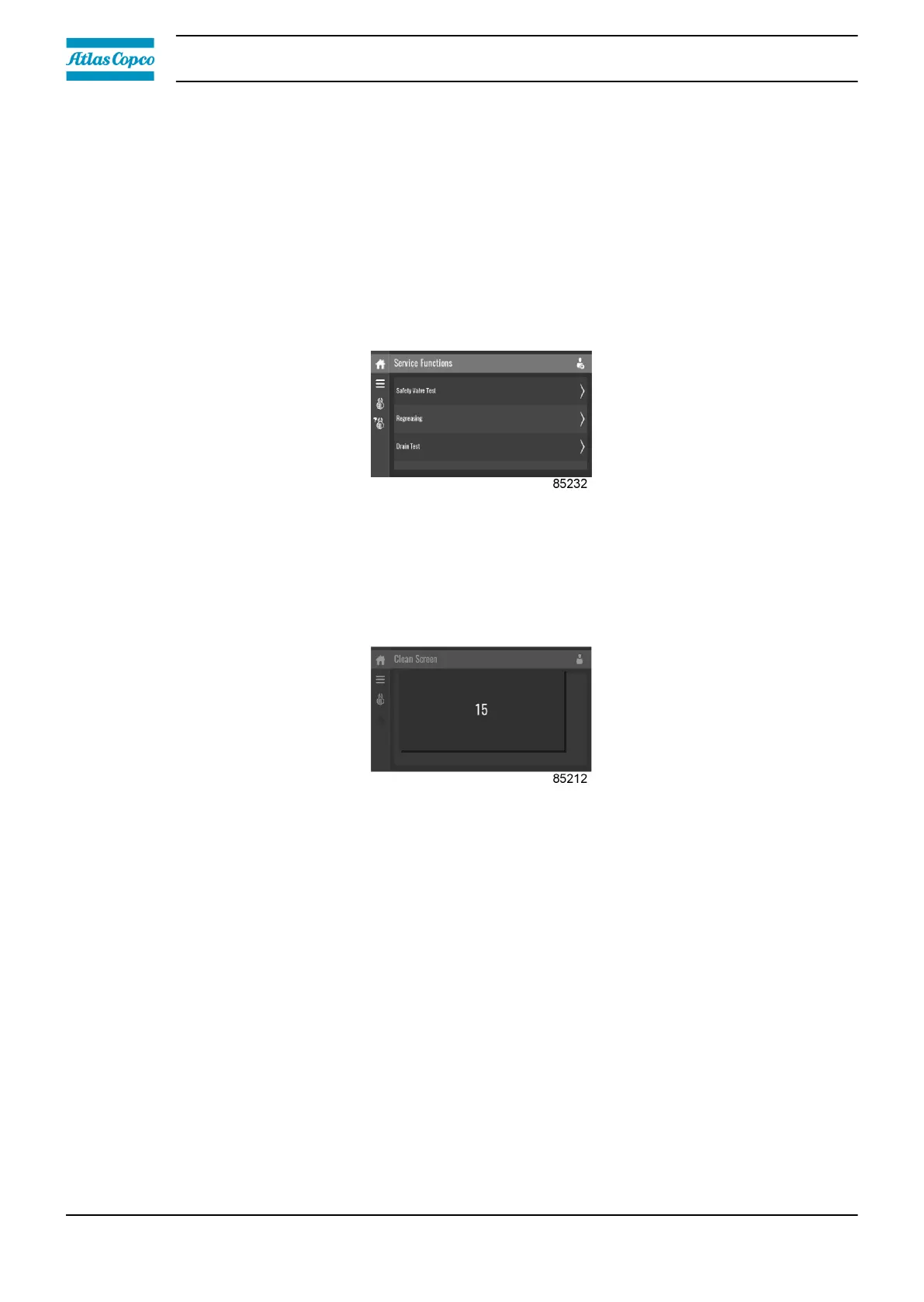
Service functions (visible for advanced user)
Tap the Service Functions icon to enter the Service Functions menu.
Depending on the machine, this menu can have a different set of functions. Many of them are
password protected, as they are only accessible for authorized personnel.
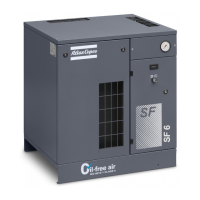
Clean screen
Tap the Clean Screen icon to start the 15 seconds countdown to perform cleaning of the touch
screen.
The touch screen and the start and stop button become inactive for 15 seconds.
3.9 Week timer menu
Function
This screen is used to set up to 4 different timers with each up to 8 settings per day.
The week timers can be activated through this screen.
A Remaining Running Time can be set from 5 up to 240 minutes.
Procedure
To enter the Week Timer menu screen:
1. Tap the Menu button.
2. Tap the Week Timer icon.
Instruction book
38 2920 7219 10



 To Next Page