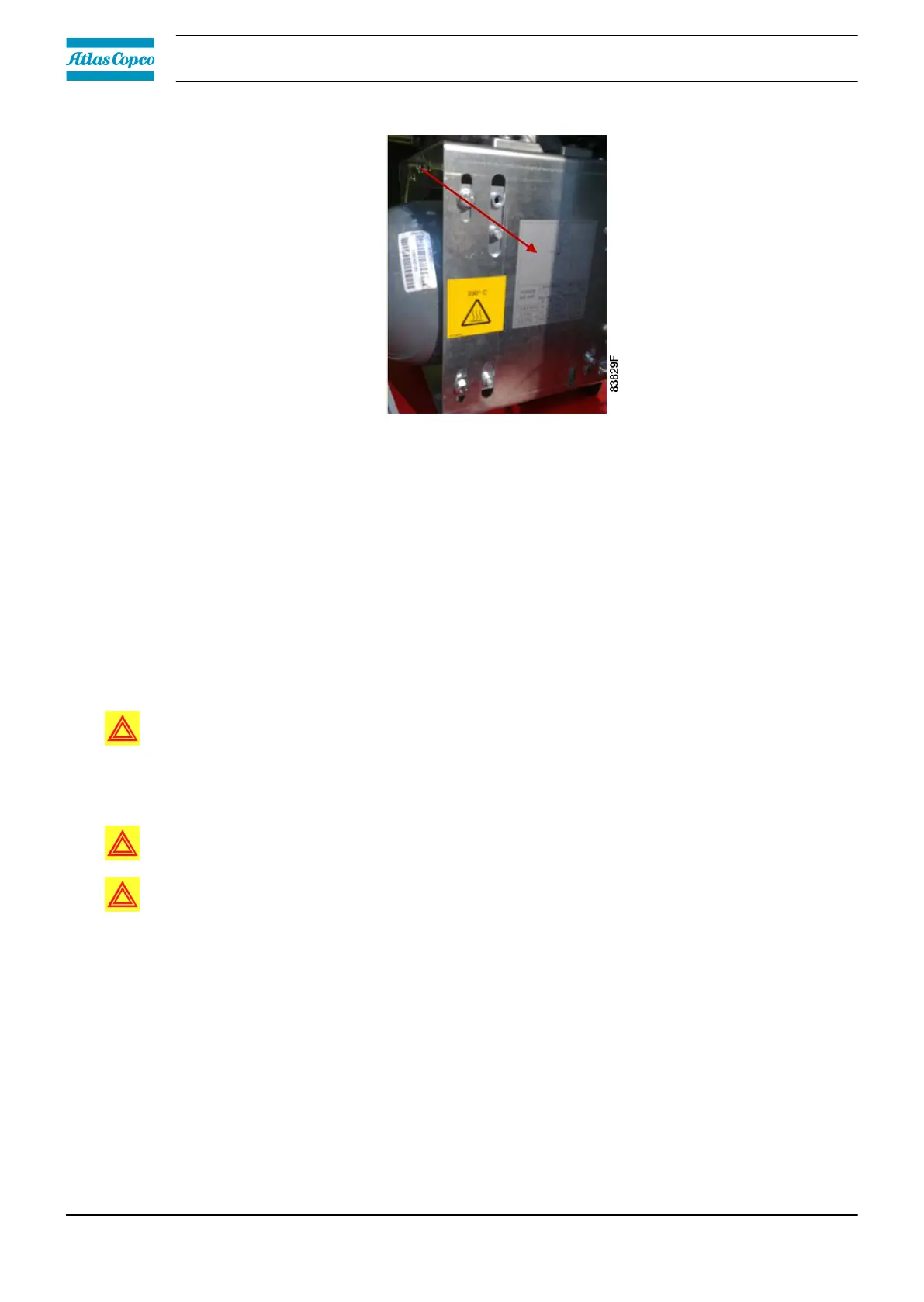
10. Tighten the screws (B). Reinstall the inlet baffle.
11. Check the belt tension after the first 500 running hours.
7.6 Temperature protection
Description
The compressor element is protected by a PT 1000 sensor in the element outlet. The sensor is
connected to the controller.
When the maximum temperature is exceeded, the compressor is stopped. It will restart
automatically if the temperature drops again and if pressure is required. If this happens 4 times
within a time span of 1 hour, the element will be shut down and must be reset manually.
Warning: When the compressor is stopped due to overheating, the compressor will not
restart until the failure is acknowledged and the compressor is restarted manually.
7.7 Cleaning the compressor element
Warning: Compressor element cooling channels can be hot when the compressor has just
been turned off.
Warning: Do not clean the cooling channels with organic solvent since this will damage the
surface treatment.
The purpose of cleaning the cooling channels of a scroll element is to prevent the cooling channels
to silt up and as such reduce the cooling efficiency. A reduced cooling efficiency can lead to a
premature compressor element failure.
Procedure:
1. Stop the compressor and switch off the power.
2. Close the air outlet valve and depressurize the compressor.
3. Remove the fan duct:
• Unscrew the 3 bolts (1).
• Remove the clip (2) (if applicable).
Instruction book
68 2920 7219 10



 To Next Page