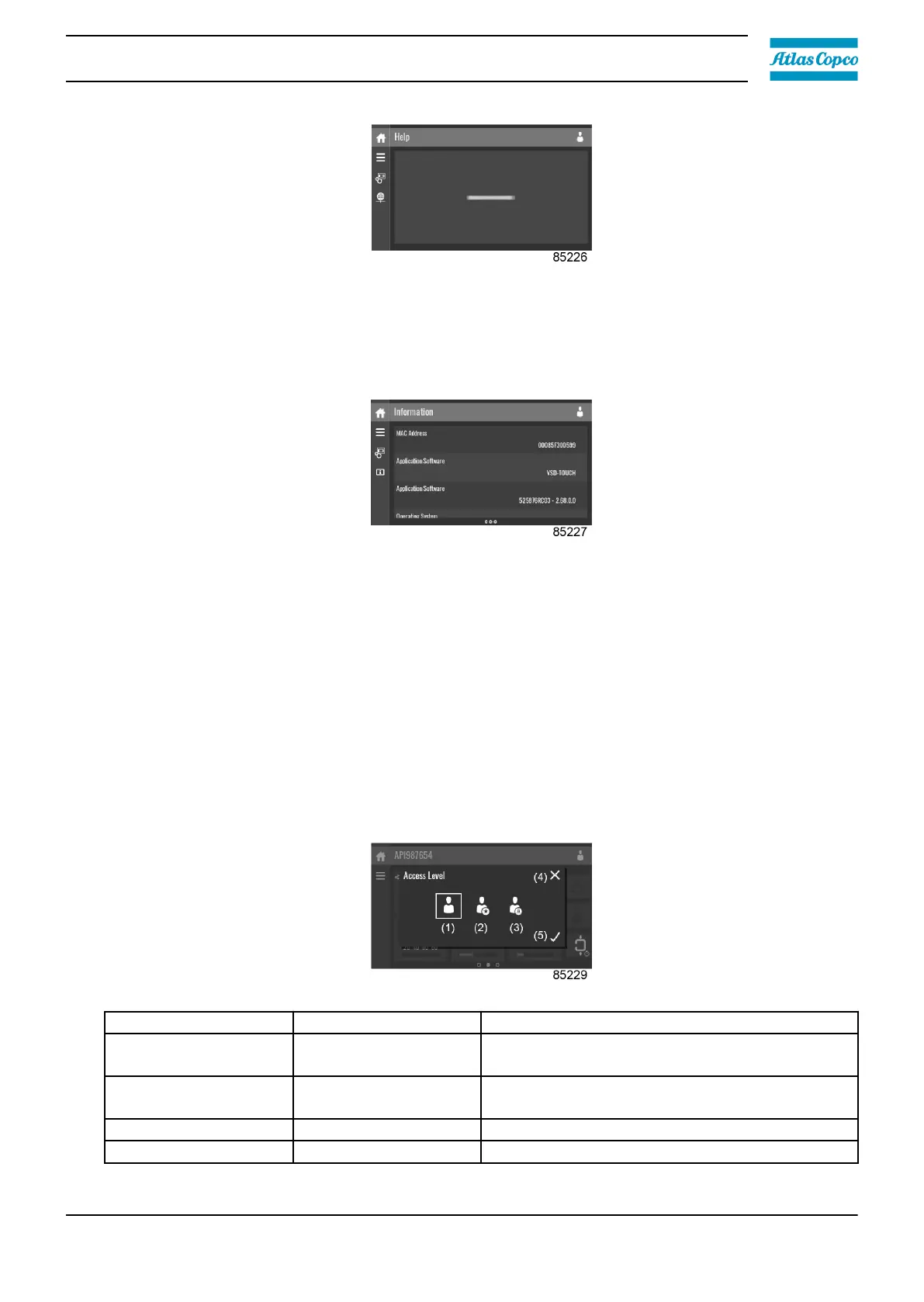
This menu can show a link to the web page of your supplier, a helpdesk phone number or other
helpful information.
Information menu
Tap the Information icon to enter the Information menu.
This menu shows information about the controller.
3.13 Access level
Function
Through this pop-up screen, the access level settings can be viewed or changed.
Procedure
The Access Level screen can be viewed or changed by tapping the Access Level button at the
upper right corner of the screen.
Description
Reference Designation Function
(1) User
A basic set of parameters is visualized, no
password required.
(2) Service
A basic set of parameters can be modified, no
password required.
(3) Full This access level is not accessible to end users.
(4) Decline Tap to decline the selected user level.
Instruction book
2920 7219 10 45



 To Next Page