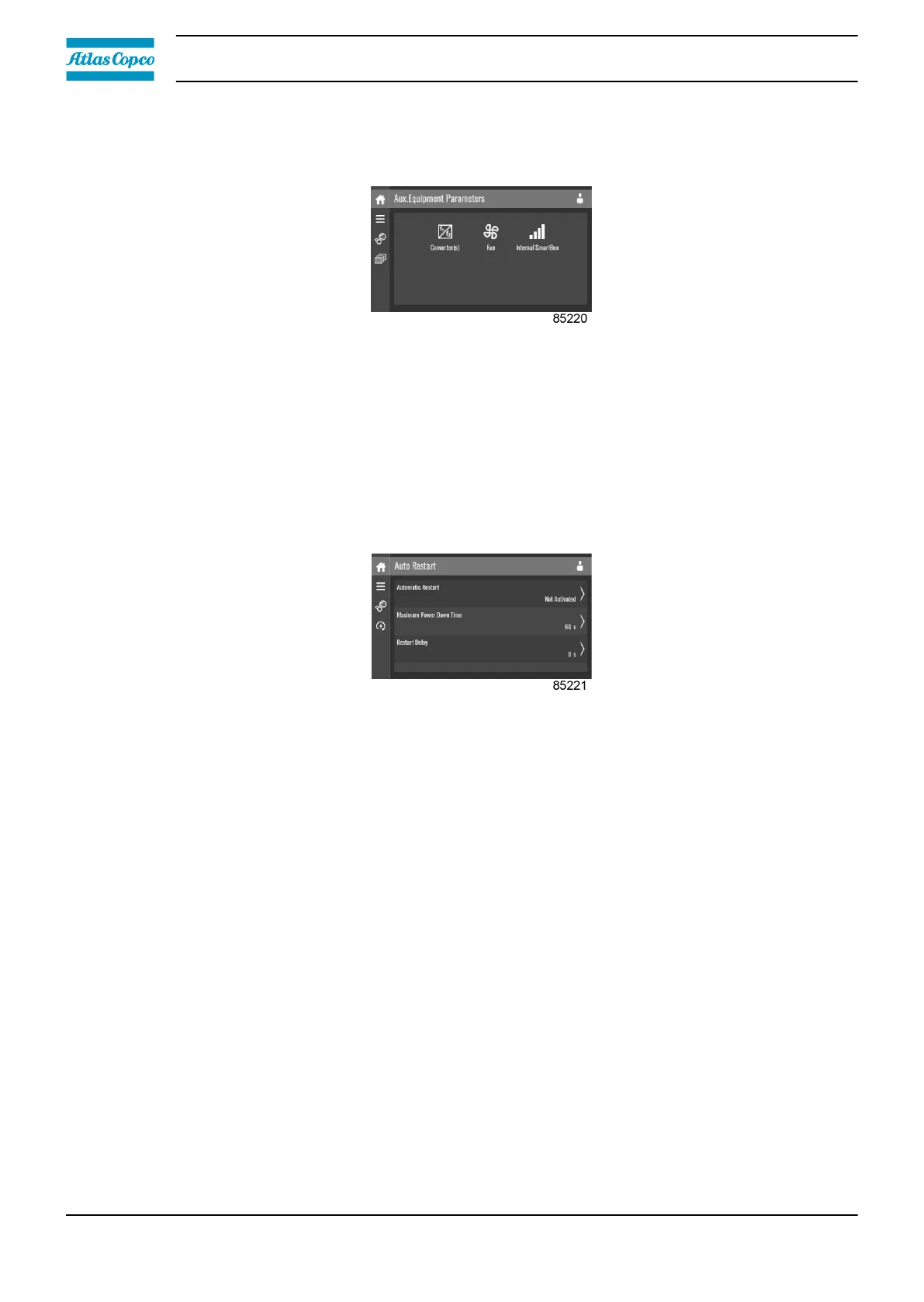
Auxiliary equipment parameters menu
Tap the Aux. Equipment Parameters icon to enter the Aux. Equipment Parameters menu.
This menu shows an overview of all the auxiliary equipment fitted.
Through this menu, the parameters of the auxiliary equipment can be changed.
Modify a setting
When tapping a list item, a selection screen pops up. The user can modify the setting by tapping ‘–’
or ‘+’ and can confirm by tapping ‘V’ or decline by tapping ‘X’.
Auto restart menu
Tap the Auto Restart icon to enter the Auto Restart menu.
Through this menu, the automatic restart can be activated. The activation is password protected.
The automatic restart settings can also be changed.
Enter a password
When tapping a password protected item, a selection screen pops up. The user can enter the
password by swiping up or down to select the desired number. Once the 4 digits are entered, the
user can confirm by tapping ‘V’ or decline by tapping ‘X’.
Modify a setting
When tapping a list item, a selection screen pops up. The user can modify the setting by tapping ‘–’
or ‘+’ and can confirm by tapping ‘V’ or decline by tapping ‘X’.
3.12 Controller settings menu
Function
This screen is used to display the following submenus:
• Network Settings
• Localisation
• User Password
• Help
Instruction book
42 2920 7219 10



 To Next Page