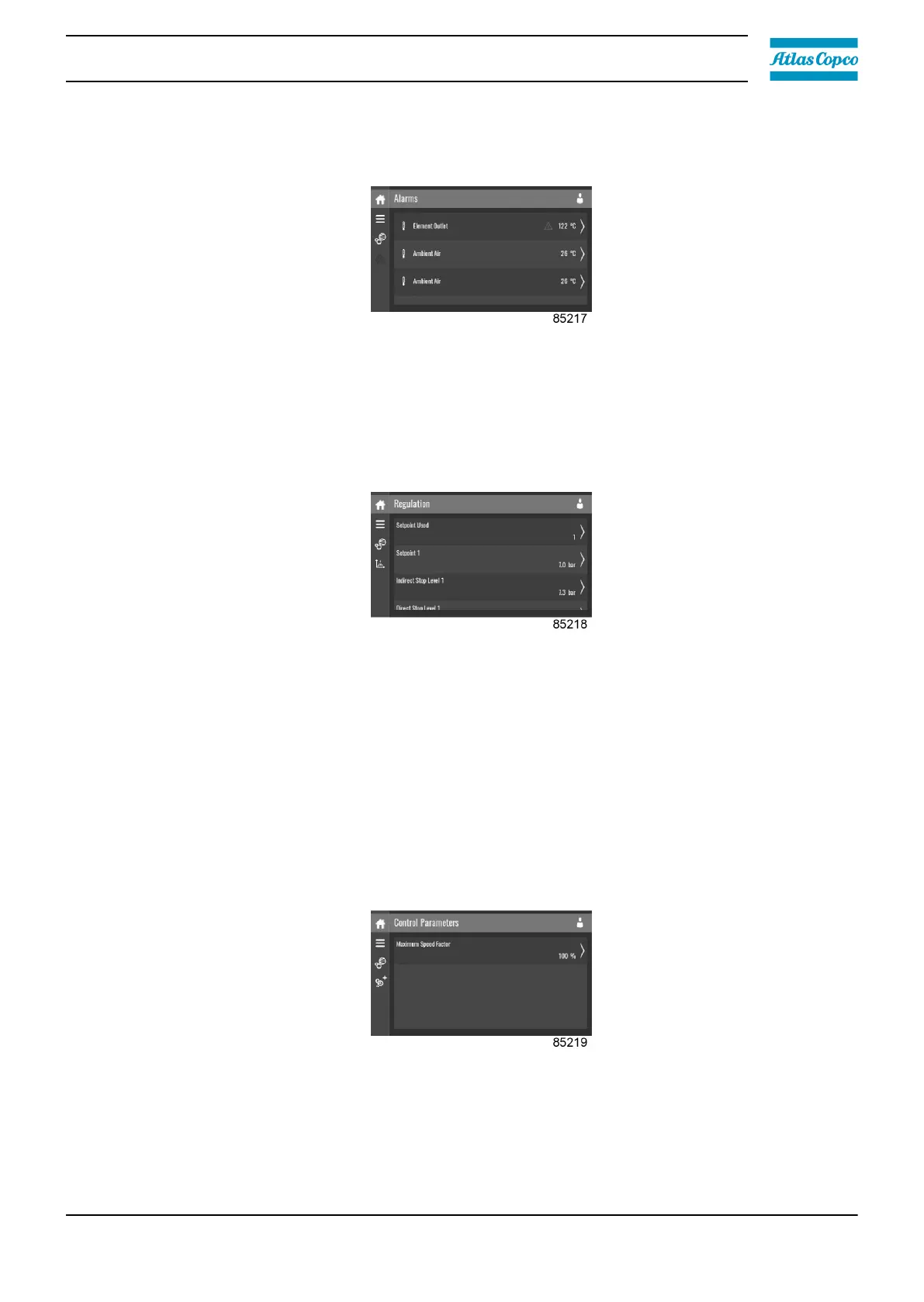
Alarms menu
Tap the Alarms icon to enter the Alarms menu.
A list of all alarms is shown.
When pressing on one of the items in the underlying list, the warning and/or shutdown levels are
shown for this alarm.
Regulation menu
Tap the Regulation icon to enter the Regulation menu.
Setpoints can be modified and capacity control can be consulted through this menu.
Modify a setting
When tapping a list item, a selection screen pops up. The user can modify the setting by tapping ‘–’
or ‘+’ and can confirm by tapping ‘V’ or decline by tapping ‘X’.
Change a selection
When tapping a list item, a selection screen pops up. The user can change the selection by swiping
up or down and confirm by tapping ‘V’ or decline by tapping ‘X’.
Control parameters menu
Tap the Control Parameters icon to enter the Control Parameters menu.
This menu shows information about the Control Parameters.
Modify a setting
When tapping a list item, a selection screen pops up. The user can modify the setting by tapping ‘–’
or ‘+’ and can confirm by tapping ‘V’ or decline by tapping ‘X’.
Instruction book
2920 7219 10 41



 To Next Page