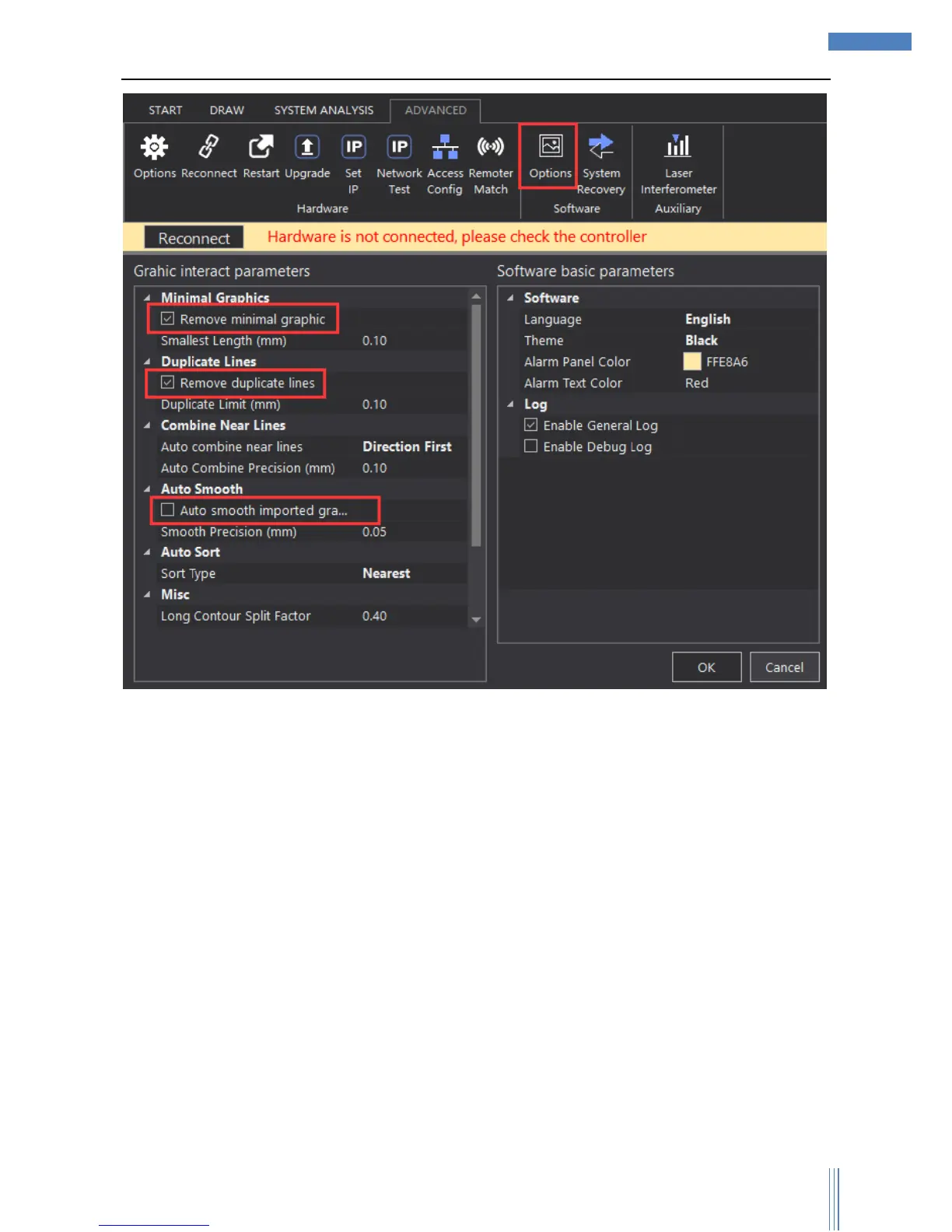
After importing/ newly building the file, user can revise the file if they need.
1、Choose in tool option “DRAW”,select suitable tool to revise the graphic: Zoom in/out in proportion,
rotate, mirror, align, array, group, nest, merge, split, smooth, unload, chamfer, chamfer R,
refactor, fill circle.
2、Or use graphic transformation to adjust the graphics.



 To Next Page