User can use the red light of laser from cutting head to seek one point along the edge of X axis and
mark “P1”. Then move to another point along the edge of X axis and mark “P2”. After SC1000
auto-calculate the rotation angle, it’ll revise the coordinate accordingly. Click the “OK” button, then “Edge
seek” is over successfully.
“Cancel edge seek”: after finish edge seek, the coordinate will rotate accordingly. And if you want
SC1000 go back to the original coordinate, just click “Cancel edge seek”.
3) :System alarm has two different kinds of alarms: auto-clear warning and manual clear
warning. For example, “Servo alarm” is manual clear warning, after clear all the problems of servo
equipment, user can only clear the warning of SC1000 by clicking “Clear warning” button so that to
make sure the safety of user and the equipment.
3.2.1.3 Help
1) :Click “Help”, user can check SC1000 user’s manual.
2) :Click “About” to check the information of version.
3.2.2 Draw
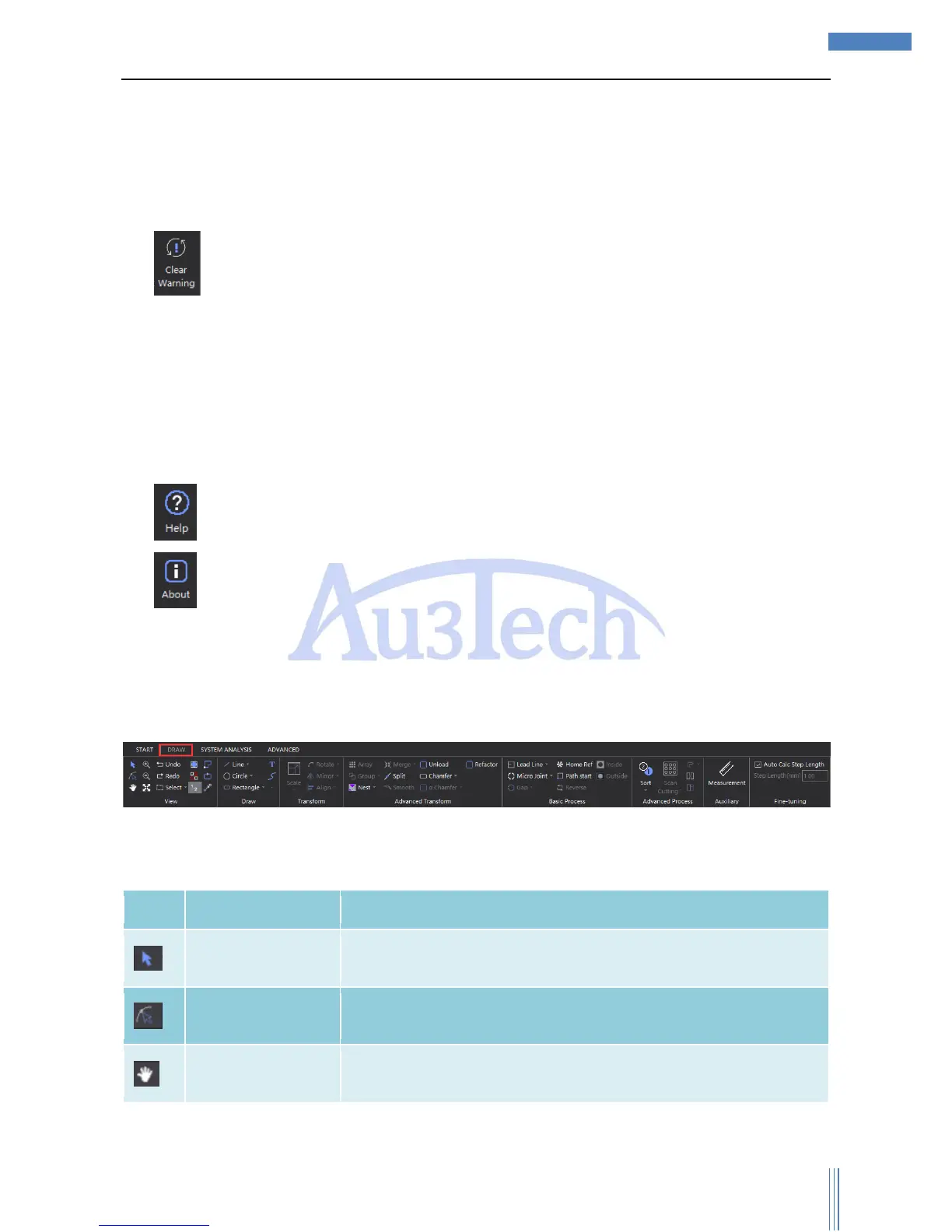
“View” collects all the functions related to graphic editing/path planning, user can easily design the
cutting graphics and process he needs.
3.2.2.1 View



 To Next Page