Copyright © WUHAN AU3TECH TRADING CO., LTD
SC1000 Fiber Laser Cutting CNC System User’s Manual Version: V1.00
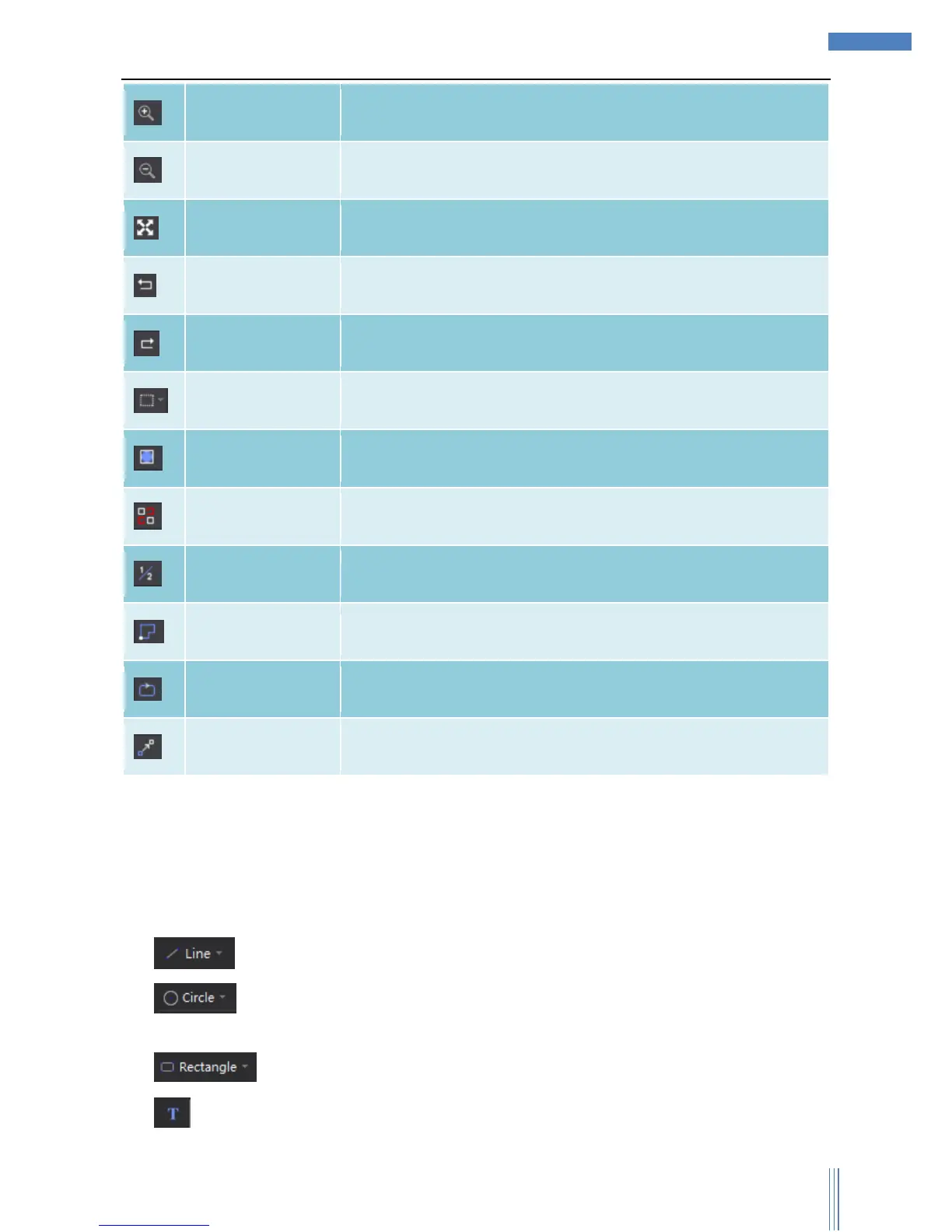
User can zoom in the graphic in the view section.
User can zoom out the graphic in the view section.
User can restore the size of the graphic in view section to the original
size.
Revoke the latest operation.
Redo the latest operation.
User can choose “Select All”, “Invert Selection”, “Select unclosed
curve”, “Select graphics smaller than”, “Select similar curve”.
User can click here to show the box of graphic on view section.
Show unclosed
curve as red
User can click here to show unclosed curve as red.
User can click here to show index.
User can click here to show path start.
User can click here to show path direction.
User can click here to show move path.
3.2.2.2 Draw
“Draw” part collects all the functions related to drawing, which based on AUTOCAD, user can
easily design any graphic he want.
1) :Draw line. Click Mouse Right to finish the current drawing by selecting “End Draw”.
2) :Draw circle/circular arc/ellipse. User can choose “Point Circle”, “Point Arc”, “Scan
Arc”, and “Ellipse” through dropdown menu.
3) :Draw rectangle/rounded rectangle/polygon/star through dropdown menu.
4) :Input text. Support various ways of typing text, and user can set up the parameters of text,



 To Next Page