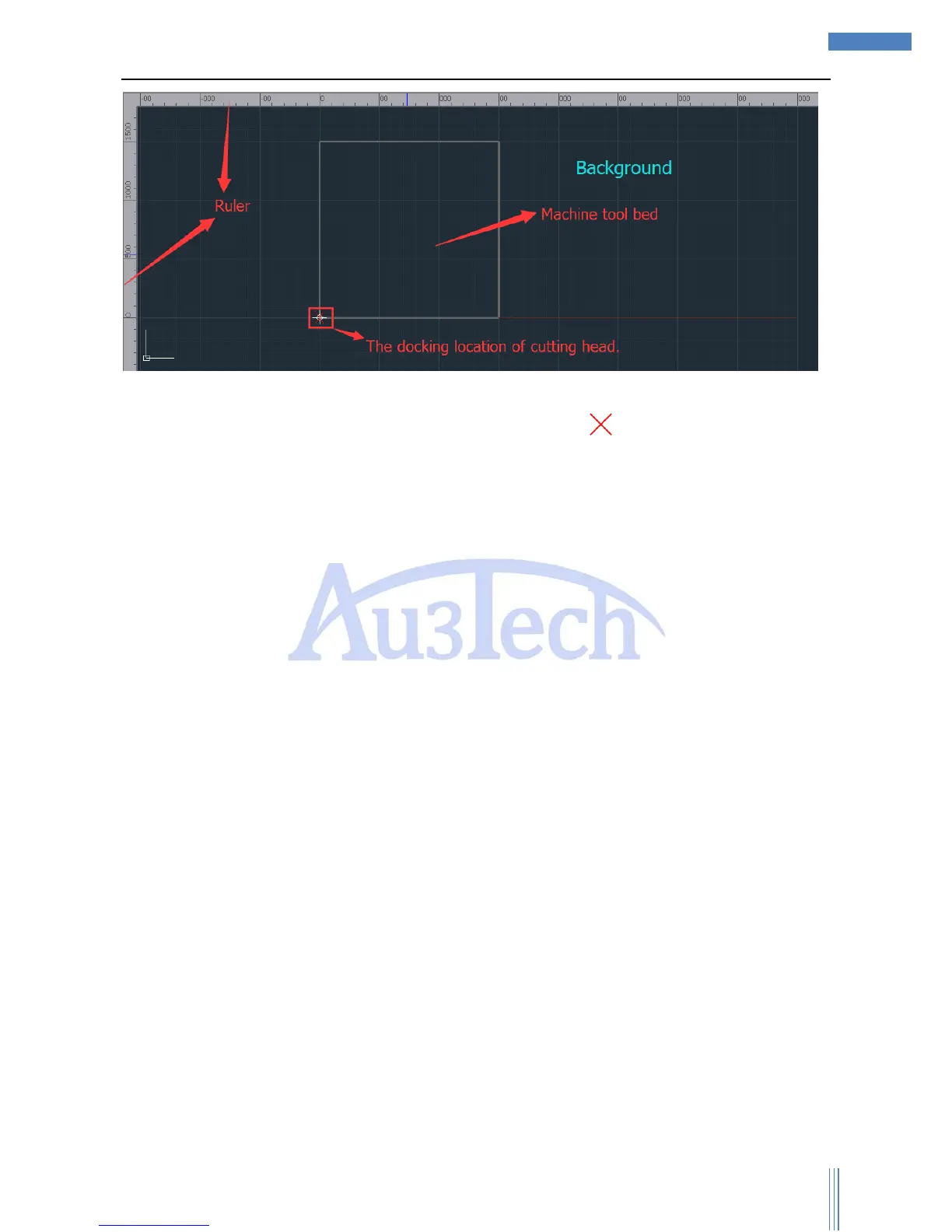
Coordination: SC1000 will use floating coordination (default), and the docking location of cutting
head is the starting point of the cutting processing (The location of “ ” in the view section.). User can
simulate the cutting process/frame to make sure all the cutting graphics are inside the workpiece.
3.4 Running control option
Running control option is located in bottom-right, including all the running control actions and
parameters. Please get to know each action/function before the cutting process to avoid improper
operation.
3.4.1 Running control
Each function of running control shows as below:



 To Next Page