Tips
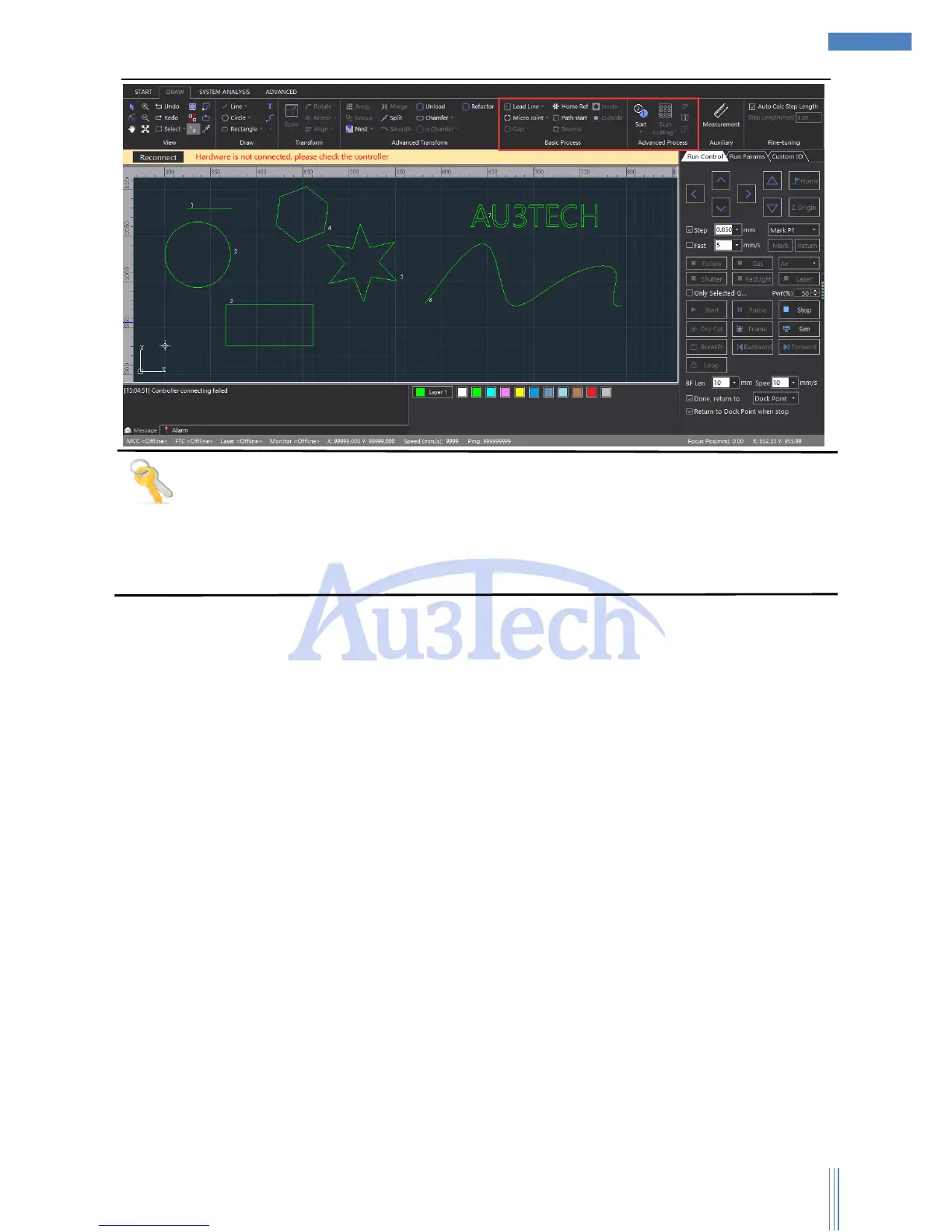
Support auto/manual adding lead line, and checking the interfered lead line.
Support various sort methods, please select by clicking “Sort”. Auto-recognize the film
inside/outside the graphic when sorting.
2.1.5 Cutting process setting
After checking the path planning, please set up the cutting process. SC1000 supports multi-layers: 1
background layer, 10 cutting layers. And the parameters of each layer can be set up separately
according to user’s needs. Click the “Layer X” in the graphic properties to set up the layer parameters,
as below:



 To Next Page