2 0perations
2.1 Quick actions
2.1.1 Operation flowchart
2.1.2 Graphic importing/drawing
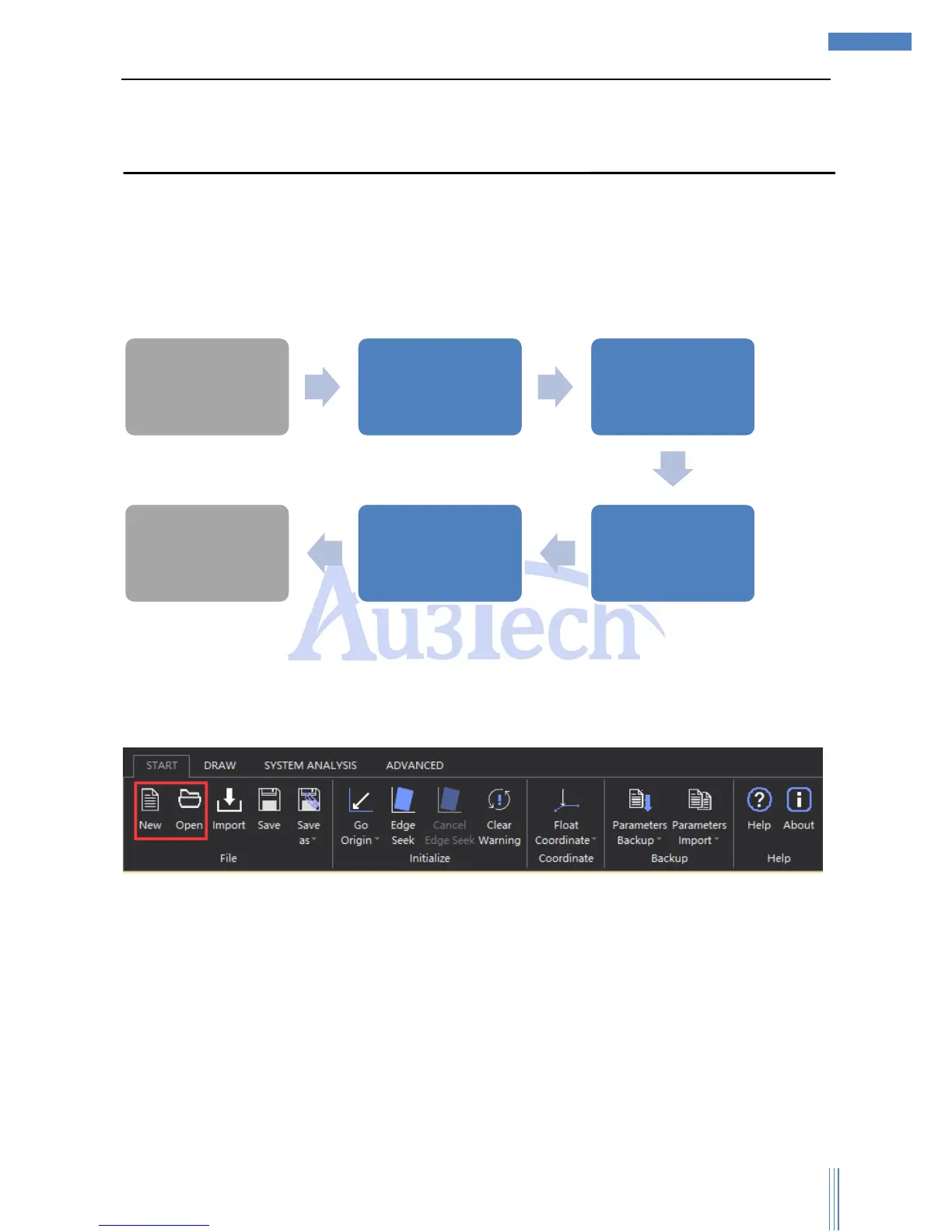
After start the software, user can import the file according to his needs or he can draw it by the
drawing tool in the software.
Choose “START”—>“Open”, import the cutting file.
Choose “New” can build a new view section, user can draw any parts he need when cutting.
2.1.3 Graphic processing
Before importing the cutting file, user can set up all the conditions he needs, including whether to
auto remove minimal graphics, or whether to auto remove duplicate lines and so on.
Choose “ADVANCED”—>“Options”, select the options as below:



 To Next Page