EasyManua.ls Logo

Au3Tech SC1000 - 3.5 Message bar

Default Icon
53 pages
Print Icon
To Next Page IconTo Next Page
To Previous Page IconTo Previous Page
Loading...
Copyright © WUHAN AU3TECH TRADING CO., LTD
43
SC1000 Fiber Laser Cutting CNC System User’s Manual Version V1.00
2017 3 27
Enable Follow When Dry
Cut
When dry cut, the cutting head will follow
after check.
Process
Clear track line after
process done.
Clear track line after cutting.
Enable software limited
X/Y axis running path will be limited inside
the workpiece after check.
Graphic
Process
Control
Auto distinguish inner
outer before process.
Enable micro-link
deceleration
Micro-link slow down
velocity (mm/s)
10.00
Cool position delay (ms)
100
Unit
Speed Unit
You can choose different speed unit.
mm/s; m/min
Acc Unit
You can choose different accelerated
speed unit.
mm/s2; G
Attention
Cut Acc/Process Acc Time can directly affect the cutting speed. User can properly increase the
“Cut Acc” and decrease the “Process Acc Time” to improve the running efficiency in the condition
that cutting machine will not shake.
Before starting software stroke limit, SC1000 must do X/Y axis go origin one time, or SC1000 can’t
know the coordinate of cutting machine(机械坐标) and then SC1000 will start software stroke limit
anytime.
Custom IO: User can define I/O port yourself according to your needs.
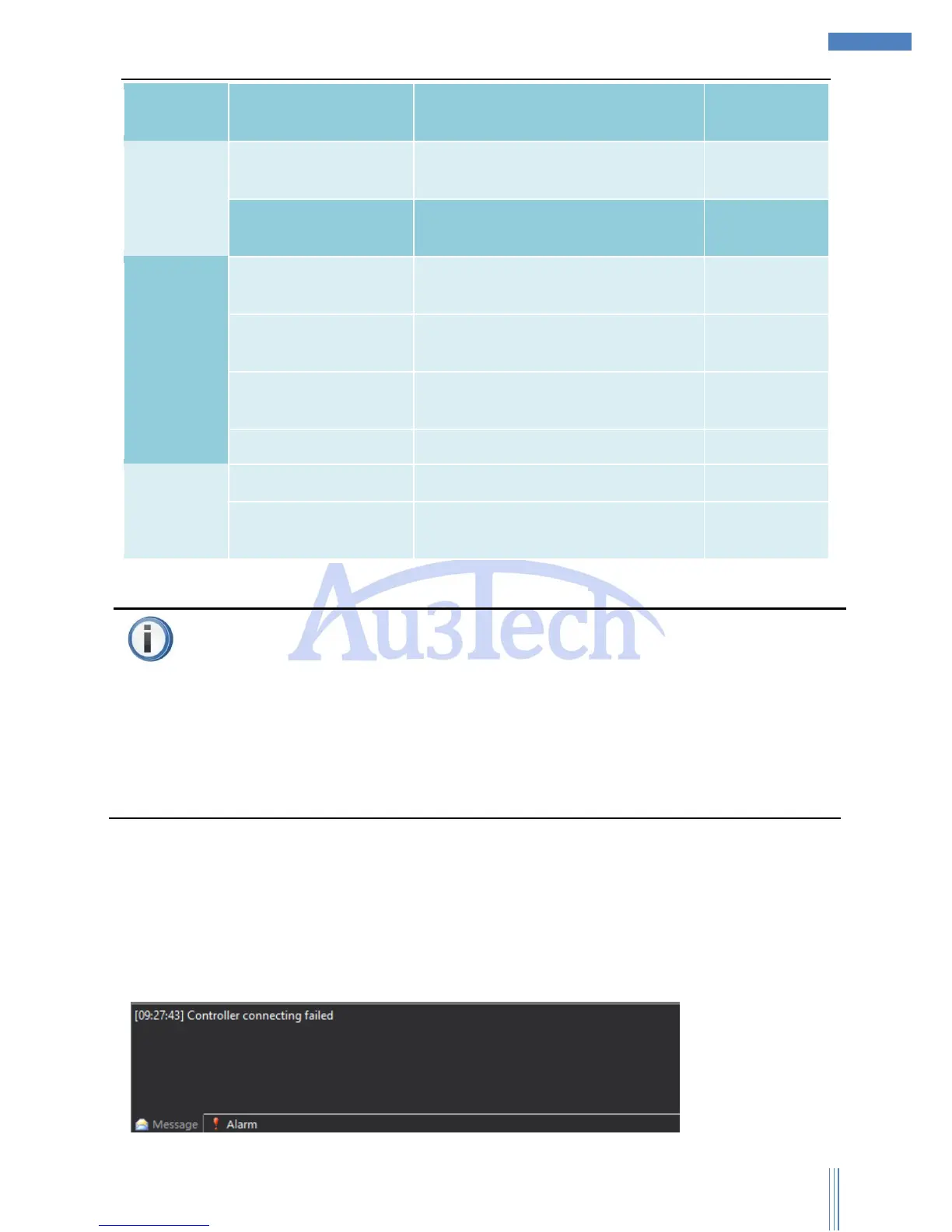
3.5 Message bar
Message bar mainly displays all kinds of information during running process. User can pay attention to
this part when operating SC1000.

Other manuals for Au3Tech SC1000

Related product manuals