3 Functions
3.1 Tittle bar
Tittle bar shows SC1000’s logo and the version. User can check whether the version is the newest
one, and if not, please download on our website: www.au3tech.com
3.2 Tool option
3.2.1 Start
3.2.1.1 File
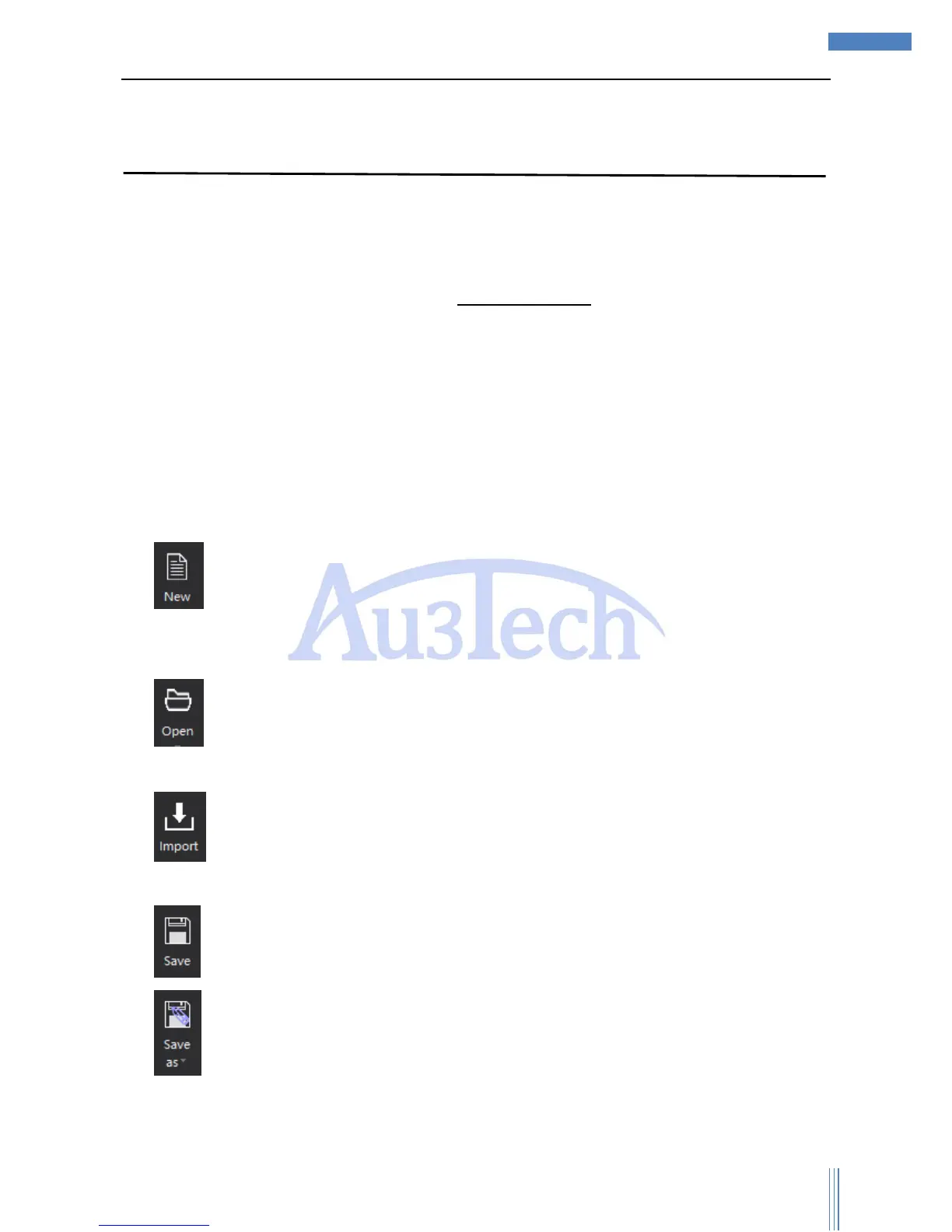
There are five functions in file part: “New”, “Open”, “Import”, “Save”, “Save as”.
1) :Build a new view section, the former graphic will be covered and SC1000 will ask the user
whether if to save the old graphic or not to avoid false operation and lose all the graphics in the old
view section.
2) :Open a new graphic, and the former graphic on the view section will be covered by the
graphic user just opened.
3) :Import a graphic user already has, and the former graphics on the view section will be
covered by the graphics user just opened.
4) : Save the graphics on the view section.
5) : Save the graphics on the view section in “.chf” or “.dxf” / at anywhere you want on the
computer. User can also choose to export to sheets.



 To Next Page