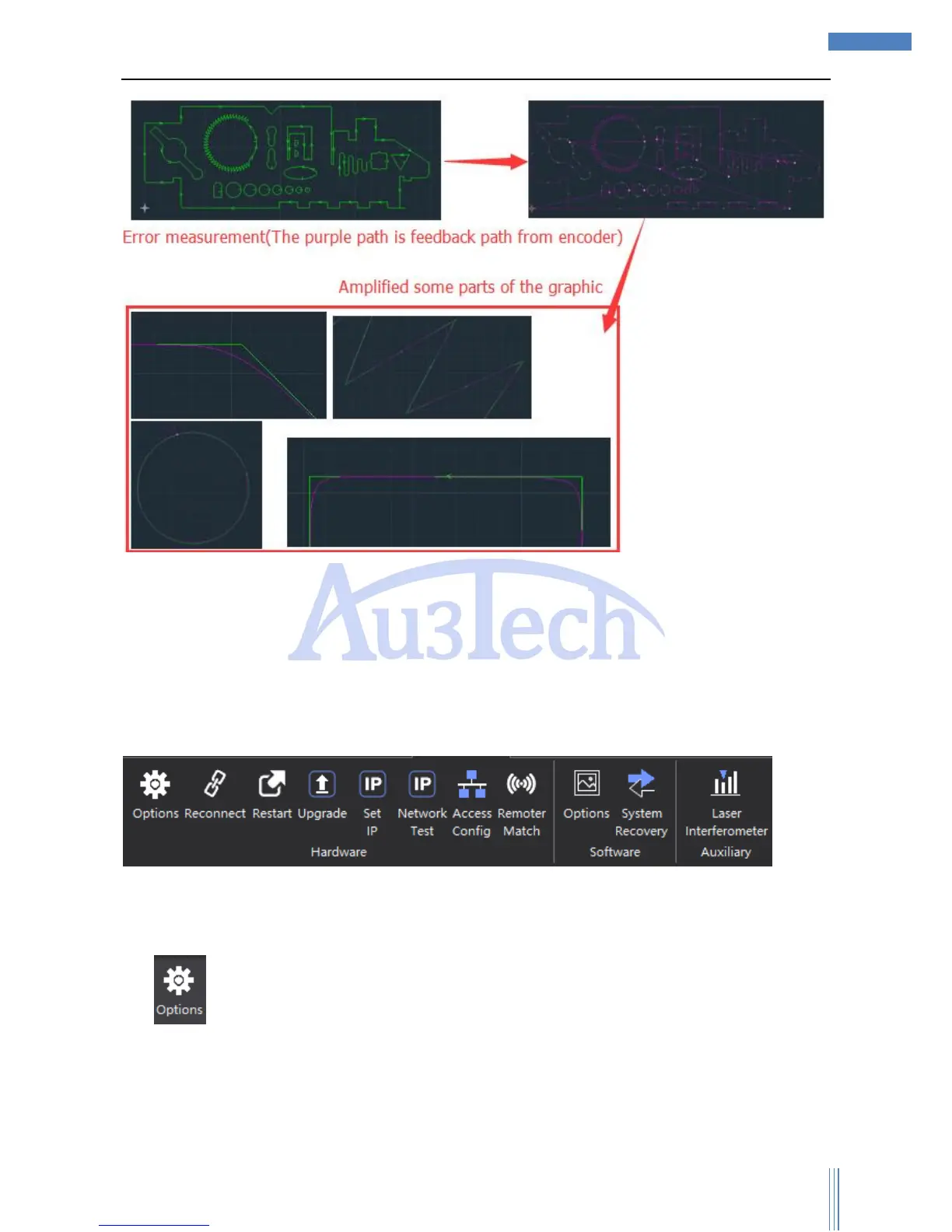
User can zoom in the view through the middle mouse button and measure the error by measurement
tools.
3.2.4 Advanced
This part mainly collects the tools for hardware configuration/debugging when assembling the
machine. The style of SC1000 and initial settings once been finished, please don’t change them unless
some special occasions happen.
3.2.4.1 Hardware
1) : User can set up parameters of Axis/Laser/FTC/Gas/IO/Advanced through this part. Please
carefully set up these parameters. Click “Options” and enter the password, and the initial password
is “0000”.
a) Motion control axis: including the basic parameters and go origin parameters.



 To Next Page