Tips
User can quickly revise the selected graphics in its coordinate, size, alignment point, and cutting
sort and so on in property option. It’s also very convenient for user to adjust the graphics using these
tools.
Layer parameters can be used to revise the parameters of the selected graphic: uncut, short no-lift,
unfollow, direct, section drill, gradual drill, fix height drill, with film, keep gas on, and so on.
User can set chamfer R for rectangle.
2.1.4 Cutting tracts
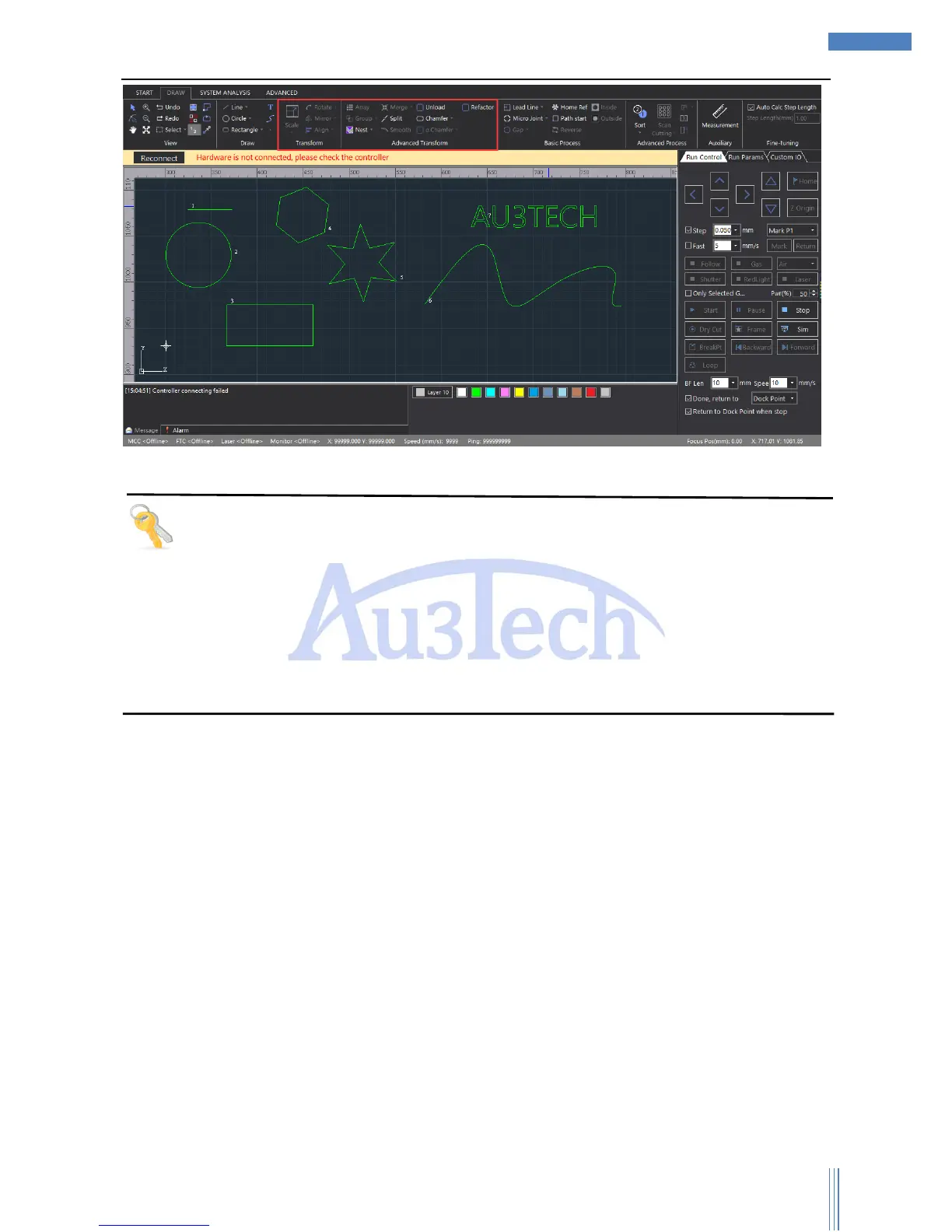
After adjusting the cutting graphic, then comes path planning, including the lead line setting,
micro-joint, gap, home ref, path start, reverse, inside, outside.



 To Next Page