3.2.2.7 Auxiliary
“Auxiliary” part mainly collects some common measure tools.
1) : User can use this function to measure the distance between any two points on the
view section. So user can measure the size of cutting graphics before cutting to make sure the
cutting quality.
3.2.2.8 Fine-tuning
1) : User can use this function to micro adjust the place of selected graphics
in fix step length or set up any step length user wants by arrow keys on keyboard.
3.2.3 System analysis
User can monitor the running status of software and hardware of SC1000 to see whether if it’s
running properly or not. If it’s not, it’s convenient for user to find out the real problem and then handle it.
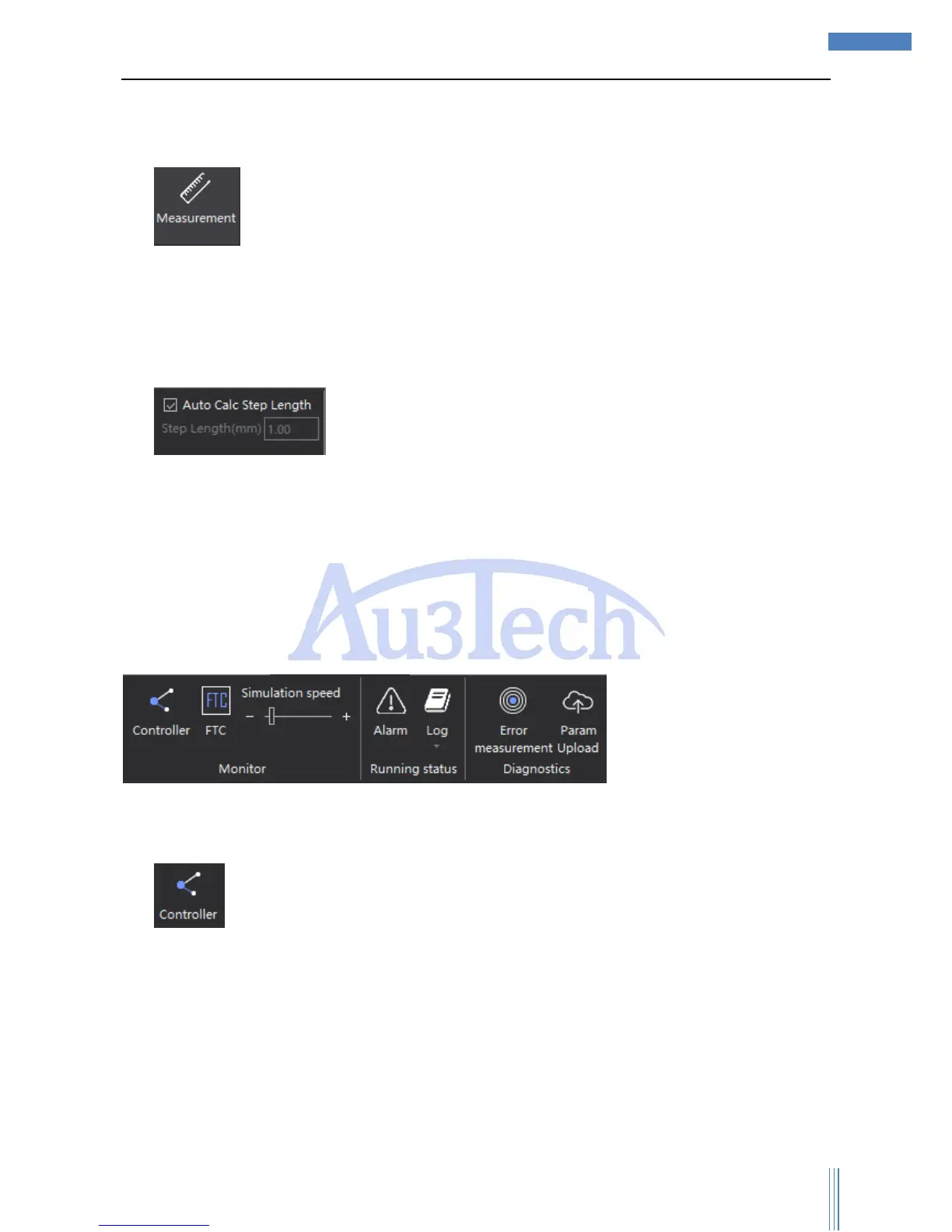
3.2.3.1 Components monitoring
1) is used to monitor the input/output status of CNC system. The light will be green if the
input/output is working properly.



 To Next Page